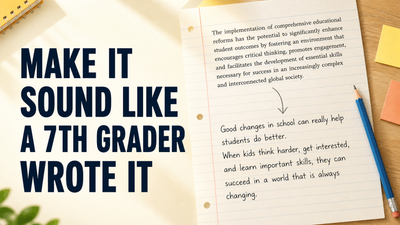
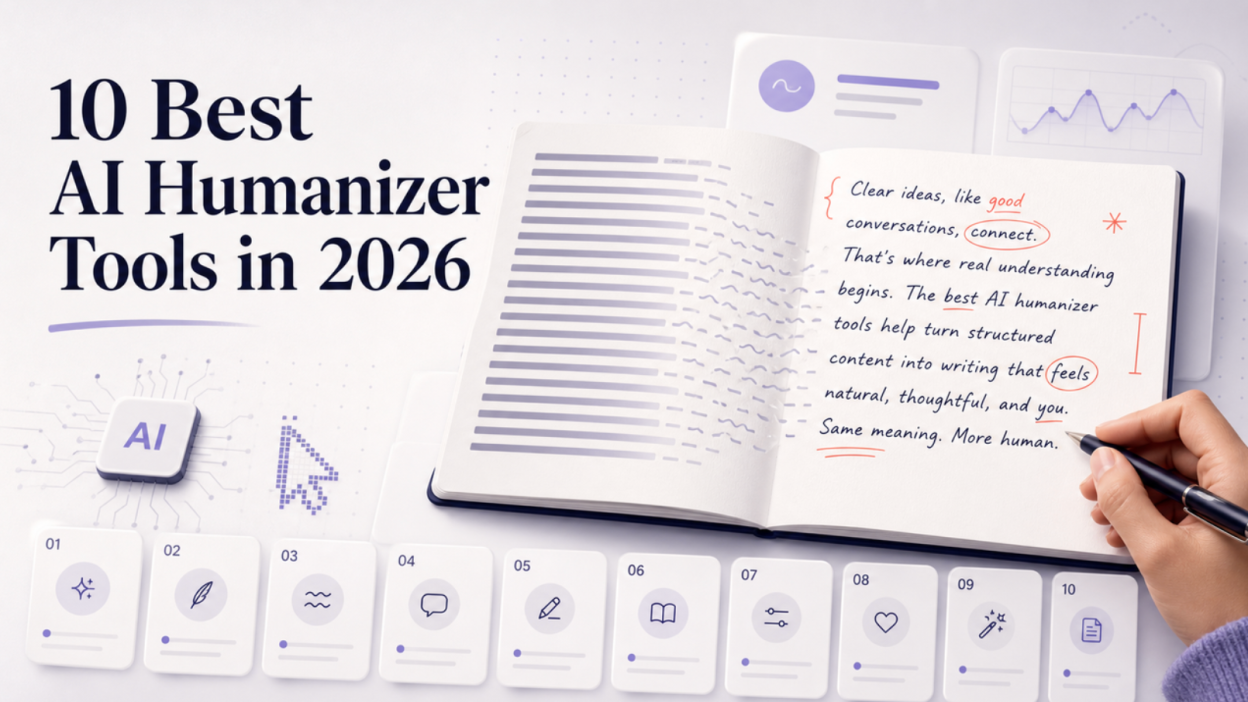
I went into this review with a simple question: which AI humanizer would I trust with a paragraph that contains a real number, a technical term, and a sentence whose meaning cannot drift? The best AI humanizer is not necessarily the tool that changes the most words. It is the one that makes a stiff draft easier to read without changing the facts, flattening your voice, or creating a second editing problem.
My most useful completed output came from Grammarly, although it made the sample more formal than I wanted. Scribbr preserved the facts but introduced repetitive wording. WriteHuman produced the biggest warning: it changed part of the meaning even while showing a “100% Human” label. I could inspect the live Lunote AI Humanizer, but my anonymous test hit an upgrade prompt before a fresh result appeared, so I have not presented Lunote as a completed independent output test.
That does not make one tool universally best. A student revising a source-based draft has different risks from a marketer polishing landing-page copy or a manager editing a sensitive report. Use the table below to find the right starting point, then read the limitations before you paste in important work.
Best AI Humanizers at a Glance
| Tool | Best for | Free limit or allowance | Free access | Main strength | Main limitation |
| Lunote | Fast, reviewable rewrites | 600 characters per free run | Yes | Meaning-aware rewriting with simple before-and-after review | Shorter passages work better than whole documents |
| Grammarly | Matching an established voice | Up to 1,500 words in the public web tool | Yes | Voice profiles and suggestions inside a broader editor | Most useful when Grammarly is already part of your workflow |
| QuillBot | An all-in-one writing toolkit | 125 words per use, up to 6 uses per day | Yes | Humanizer, paraphraser, grammar tools, and tone options | Long drafts require several separate runs on the free plan |
| EditGPT | Visible editorial control | Limited free access; no stable public allowance verified | Limited | Track-changes-style review and long-document positioning | Its published comparisons lean heavily on detector-bypass claims |
| Scribbr | Responsible academic and professional refinement | Free tool available; no fixed humanizer allowance clearly published | Yes | Clear focus on readability rather than evasion | Fewer advanced controls than a full editing suite |
| Phrasly | High-volume processing | 300 words per free check; sign-in required | Yes | Large paid allowances, rewrite levels, and API access | Many performance statements are vendor claims, not neutral benchmarks |
| Undetectable AI | A detection-aware workflow | 250-word free trial | Trial | Humanizer and detector features in one product | Detection-first rewriting can encourage score chasing |
| HumanizeAI.pro | Short, free experiments | Up to 400 words per run; no account required | Yes | Adjustable rewrite levels and a low-friction entry | Processing required a CAPTCHA during my review |
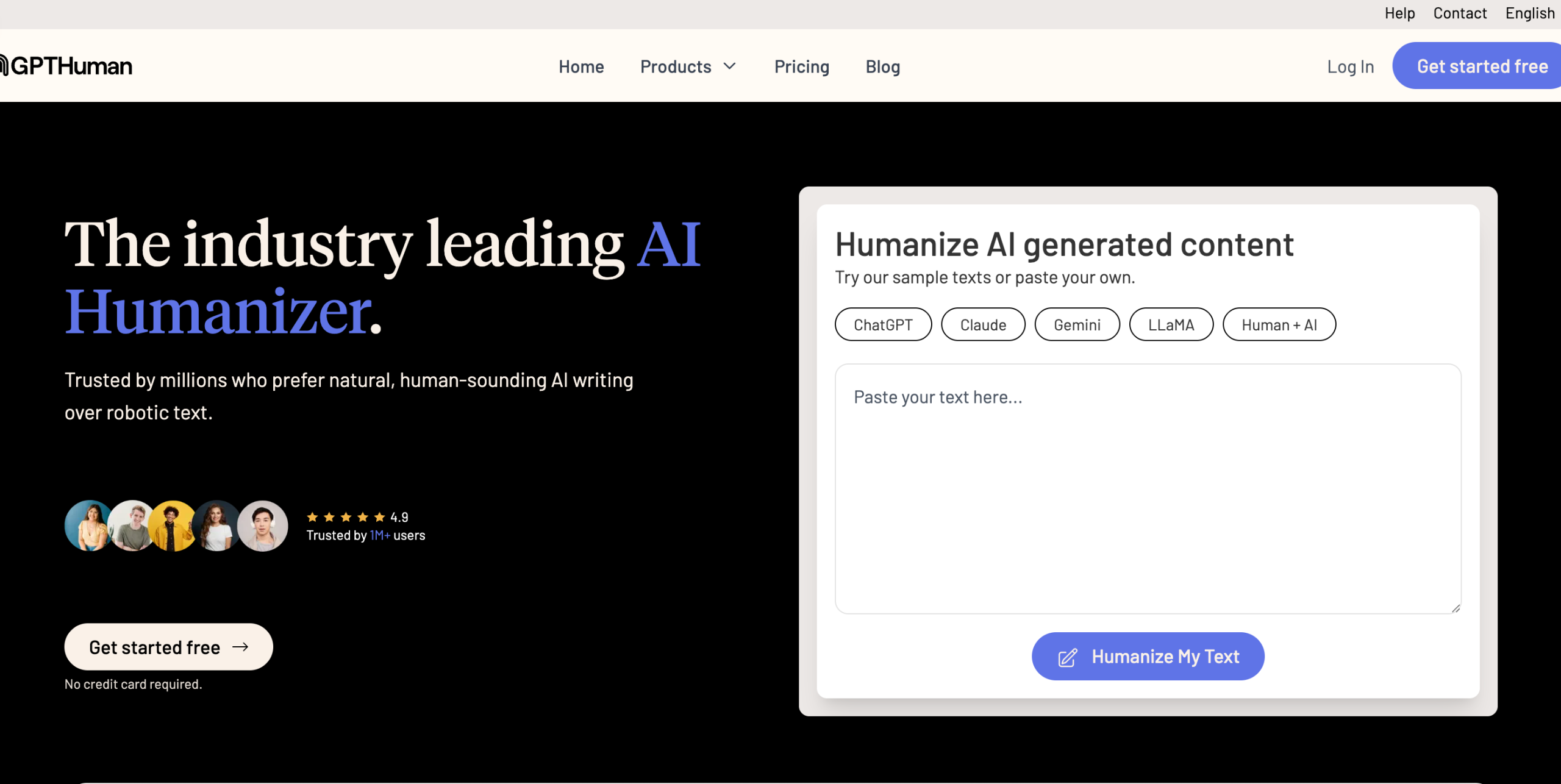
| GPTHuman | Tone modes and API access | 300 total trial words and up to 300 words per output | Trial | Tone modes, scores, multilingual support, and API positioning | Most performance statements are vendor claims |
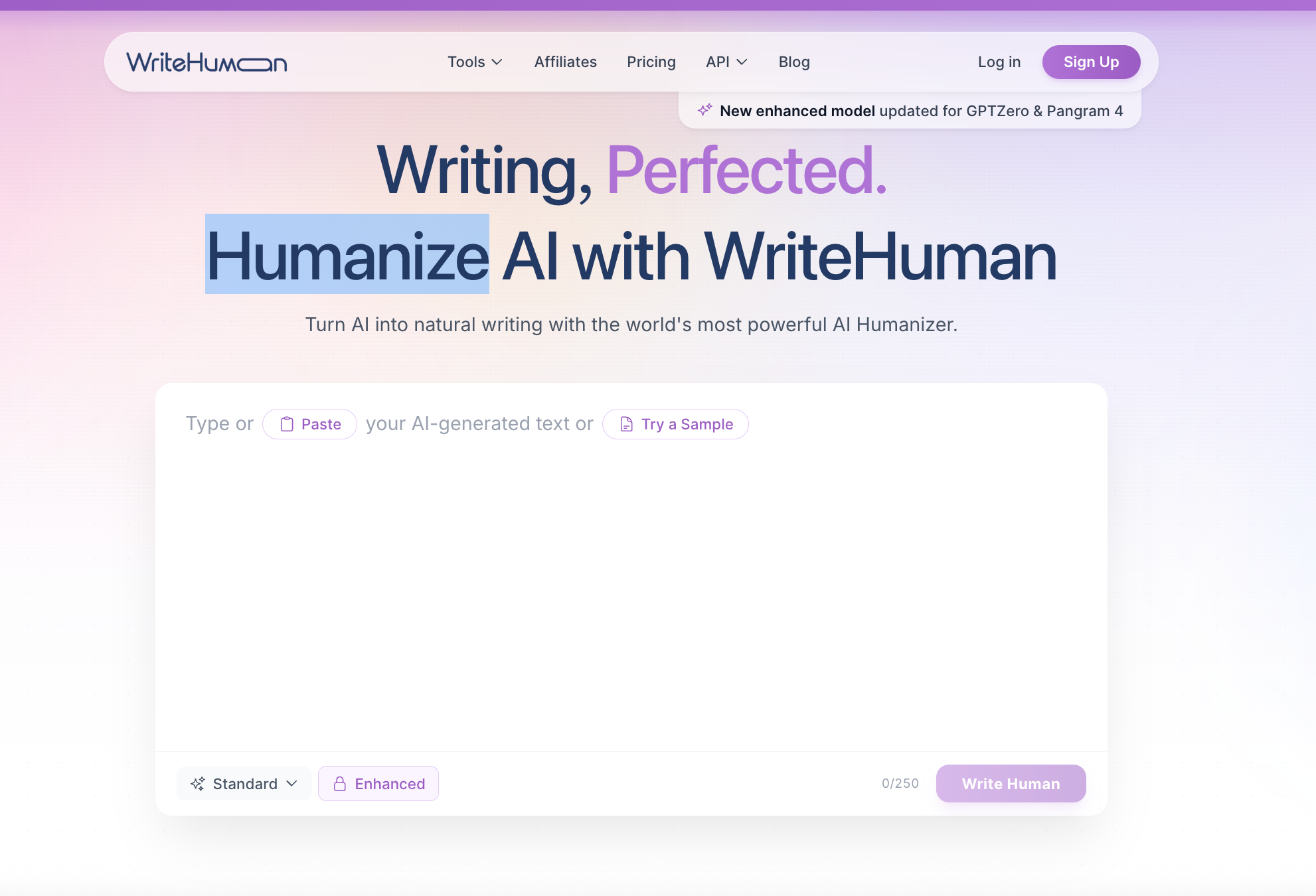
| WriteHuman | Quick variations on short passages | Anonymous test available; a stable recurring allowance was not verified | Yes | Fast output and two variations | It changed the meaning of my test pass |
Pricing, limits, and free access change frequently. The product information in this guide was reviewed on August 15, 2026; check each provider’s current page before subscribing.
How I Tested and Reviewed the 10 AI Humanizer Tools
Many top lists claim that every tool was “tested and ranked,” then publish detector percentages without showing the input, settings, failed runs, or manual corrections. I wanted this review to be reproducible, so I used the same 69-word passage whenever the live editor allowed an anonymous run:
AI writing tools can speed up drafting, but they often produce polished paragraphs that feel strangely uniform. In our 2025 support review, 37% of edited replies still needed a factual correction or a tone adjustment. The goal is not to disguise authorship. It is to preserve terms such as retrieval-augmented generation (RAG), keep the 37% figure intact, and make the explanation sound like a person who understands the subject.
I deliberately included 2025, 37%, retrieval-augmented generation (RAG), and the sentence about authorship. That let me see whether a tool merely varied sentence structure or quietly changed the substance. I used the default or standard mode and stopped after one run; repeated attempts can hide a weak first result. I then checked six things:
Disclosure: This article is published by Lunote, and Lunote is included in the list. I distinguish a completed output test from an interface/access review in every entry. Grammarly, Scribbr, and WriteHuman returned fresh outputs during my review. Undetectable AI ran its detector on the sample, and some tools also pair humanization with an ai checker or a built in ai detector, but I did not treat those in-tool readouts as proof. Lunote showed its live editor and pricing gate, Phrasly required registration, and HumanizeAI.pro introduced a CAPTCHA before processing. I reviewed the remaining tools through their live product interfaces and official documentation rather than pretending I had a successful output.
- Meaning preservation: Does the workflow encourage you to protect facts, claims, quotations, citations, names, and numbers?
- Natural sentence movement: Does the tool improve natural language flow and sentence flow by fixing repeated openings, uniform sentence length, stiff transitions, and generic phrases rather than swapping isolated synonyms?
- Editing control: Can you compare, adjust, accept, reject, or further edit the result?
- Tone and use-case fit: Is the tool suited to emails, reports, marketing copy, essays, or long-form content?
- Free access and practical limits: Can you test enough text to judge the result before paying?
- Responsible product claims: Does the provider admit uncertainty, or does it promise to defeat every detector?
I did not turn vendor badges into independent ai detection scores or pass rates. AI detectors return probabilities, disagree with one another, and can produce false positives. In fact, Undetectable AI classified my unchanged test passage as only 1% AI, while WriteHuman labeled its meaning-altering rewrite “100% Human.” That contrast is exactly why I weighted fidelity and readability above a detector badge.
My test results in one view
| Tool | Test status | What happened in my session | My takeaway |
| Grammarly | Fresh output completed | Preserved 2025, 37%, and RAG; became more formal and longer | Best completed result, but still needed tone editing |
| Scribbr | Fresh output completed | Preserved the markers; repeated “maintain” and sounded less natural in places | Safe on facts, average on voice |
| WriteHuman | Fresh output completed | Kept RAG and 37%, but changed the authorship sentence and reframed the number as an estimate | Fast, but not safe to copy without comparison |
| Undetectable AI | Detection completed | Labeled the unchanged sample 1% AI; humanization required a separate next step | Detector-first workflow, not proof of writing quality |
| Lunote | Editor/access review | Accepted the sample, then showed the Pro upgrade prompt before a result | Clear short-text workflow; fresh output not verified anonymously |
| Phrasly | Access review | Registration was required before testing | Useful-looking high-volume workflow, but no anonymous output verified |
| HumanizeAI.pro | Access review | Editor was available; its stated flow required CAPTCHA | Easy entry, but I stopped rather than treating an uncompleted run as a test |
| QuillBot | Interface review | The public editor loaded, but my browser session did not return a stable completed run | Rich controls; I relied on current product documentation for limits |
| EditGPT | Product/interface review | Track-changes positioning and feature set reviewed; no fresh output claimed | Strong review concept, but detector claims need caution |
| GPTHuman | Product/documentation review | Modes, scores, pricing, and API reviewed; no fresh output claimed | Broad feature set; strongest claims come from the vendor itself |
1. Lunote — Best Overall Starting Point for a Natural, Reviewable Rewrite
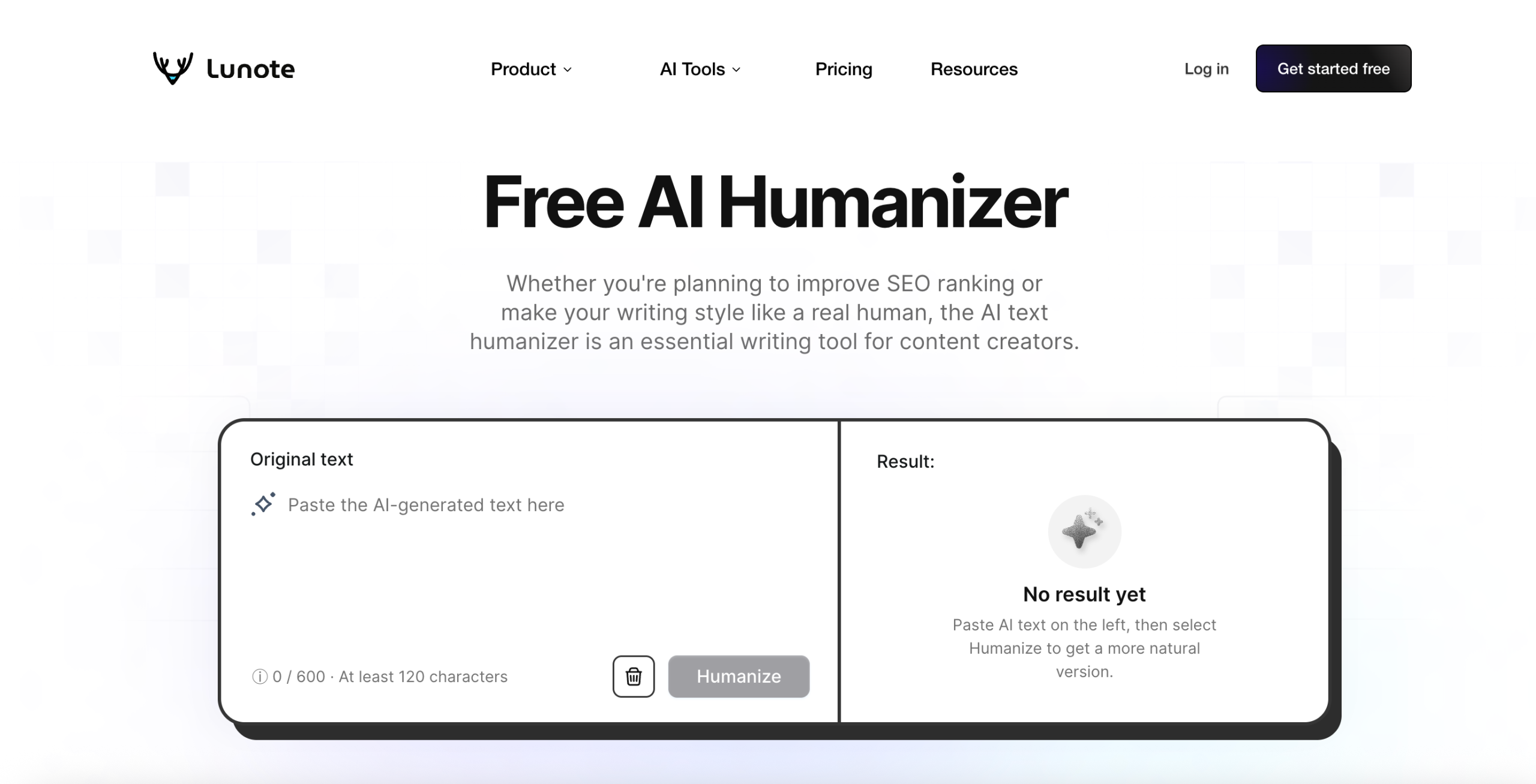
Lunote’s AI Humanizer is built as an AI text humanizer around a sensible editing sequence: paste a complete passage, generate a more natural version, compare it with the original, and make the final decision yourself. In my session, the editor accepted all 429 characters of the test passage, but clicking Humanize opened the Pro upgrade prompt before a fresh output appeared. I could verify the interface, the 600-character anonymous limit shown on the page, and the published before-and-after example; I could not honestly score a new Lunote output from that session.
That last step matters. Some humanizers return a completely new block of text and encourage you to copy it without looking back. Lunote treats the result as a working draft, positioned to improve AI-generated text so it reads more like a real person wrote it. Its product page specifically emphasizes meaning preservation, more natural tone, sentence-pattern variation, formulaic-phrase rewriting, clarity, and editable output.
What Lunote does well
Lunote is useful when a paragraph has the familiar signs of rushed AI text: every sentence is roughly the same length, transitions announce themselves, and broad claims take up space that should contain an example. The tool can tighten vague wording, split or combine sentences, and reduce repeated structures while keeping the original context visible.
The interface itself was the cleanest part of my attempt: one input box, one result area, and a clear instruction to compare both versions. The upgrade dialog showed 600 characters for free AI detection and rewriting and 5,000 characters on Pro, alongside the wider Lunote pricing. I recommend testing one important paragraph first rather than upgrading on the strength of the demo alone.
If I were using Lunote for a blog post, I would start with the introduction or one section whose sentence structure feels too even. Then I would check product names, figures, links, and the call to action against the source. That section-by-section method is slower than bulk processing, but it gives an editor a clear place to add a real example or restore brand language. It also fits use cases like SEO writing, where natural language matters but the original meaning still needs to stay intact.
Where Lunote may not fit
The public humanizer is not the obvious choice if you need to process an entire book in one pass or manage tracked edits across a large Microsoft Word file. Its shorter input encourages section-by-section review. That can improve accuracy, but it is slower for very long drafts.
Lunote also does not guarantee that every rewrite will pass every AI detector, including major AI detectors. That limitation is appropriate. Detector results vary by model, text length, subject, and scoring method, and no tool can promise reliable AI detection bypass without tradeoffs in quality. Use the humanizer to improve the writing, then review the facts and voice instead of treating a detector result as the finish line.
Best for
- Blog sections, emails, study explanations, and short professional drafts.
- Writers who want a clean first pass without aggressive synonym replacement.
- Users who need a free AI humanizer before deciding whether a broader writing workspace is useful.
Verdict: Start with Lunote when you want the draft to sound less mechanical while keeping the comparison and final edit in your hands.
2. Grammarly — Best for Matching Your Own Voice
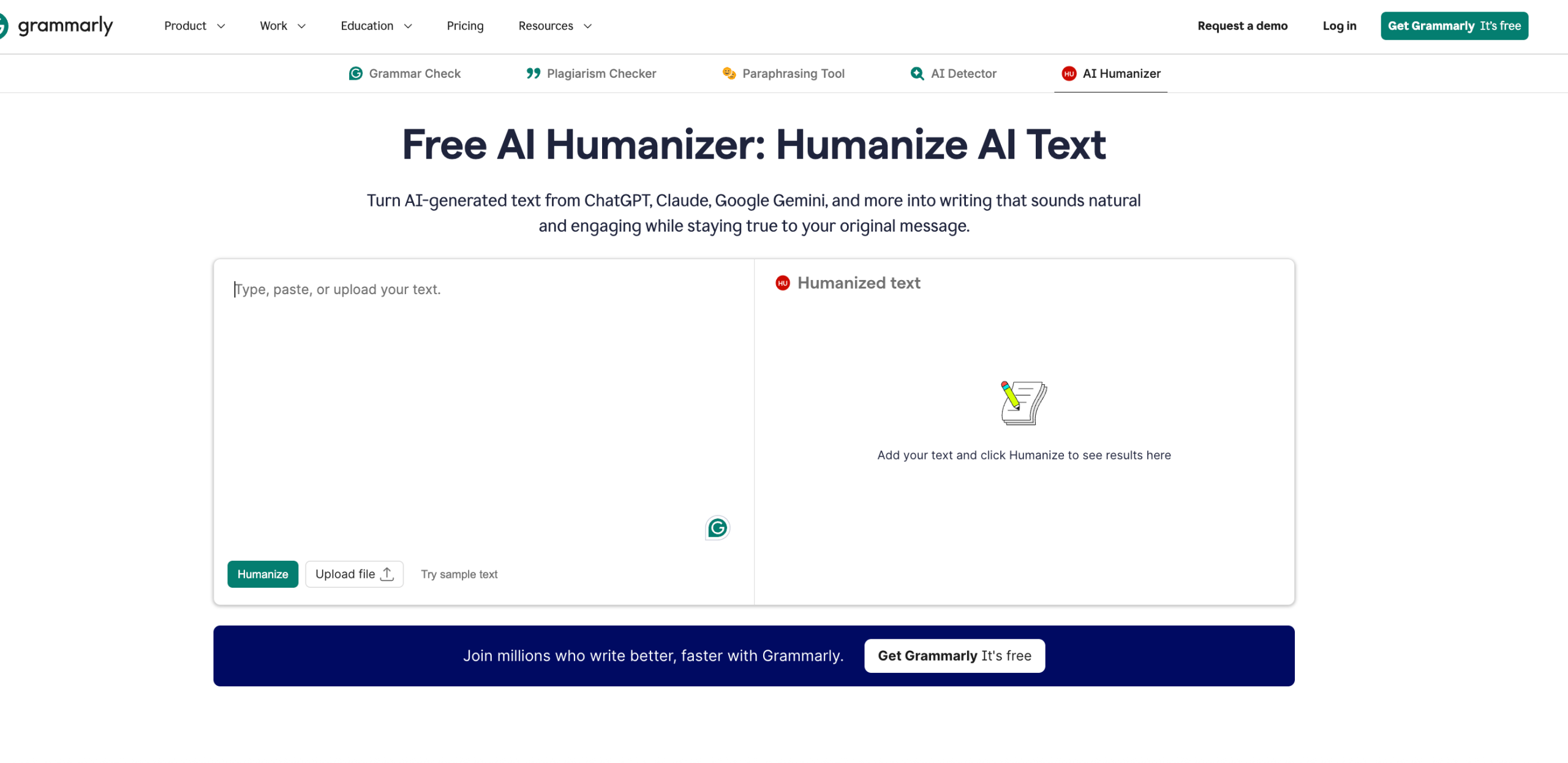
Grammarly’s Humanizer works inside its wider editing environment as an AI tool, and its strongest feature is not a promise of “undetectable” text; it is the ability to refine phrasing around a chosen or custom voice.
Grammarly returned the most controlled fresh output in my test. It retained 2025, the 37% figure, and retrieval-augmented generation (RAG), and it preserved the point about not disguising authorship. The downside was tone: “help to speed up the process of drafting” and “subject matter” made the rewrite more formal and slightly longer than the original. I would accept the factual preservation, then manually cut the bureaucratic phrasing.
According to Grammarly’s current support documentation, users can create a voice profile with a writing sample of at least 200 words. The Humanizer then presents suggestions intended to bring the draft closer to that voice. That is useful for recurring work, especially for professional writing where voice consistency matters, because you are giving the system an example of how you write rather than selecting a generic label every time.
What Grammarly does well
The Humanizer sits alongside grammar, clarity, tone, citation, and AI-transparency features, with built-in AI support across drafting and editing workflows. That makes it practical for a report or proposal that needs more than one type of revision. Grammarly also frames humanization as an editing task: remove robotic phrasing, add warmth or nuance, and keep the result appropriate for the reader.
I would use Grammarly later in the workflow than a one-box humanizer. It makes the most sense after I have a complete draft and want the wording to follow a stored personal or company voice. For customer emails and reports, as well as academic or professional writing, that continuity is valuable. For one paragraph, the voice setup may be more machinery than the job needs. I would still compare exact contractual, legal, or technical wording with the source; polish does not guarantee precision.
Where Grammarly may not fit
If you only need to rewrite one short paragraph, opening a full editing workspace can feel heavier than a paste-and-rewrite tool. Some of the most useful voice and workflow benefits also depend on how deeply you use Grammarly’s ecosystem.
Best for
- Teams maintaining a consistent brand voice.
- Professionals revising emails, reports, proposals, and customer messages.
- Writers who want humanization alongside grammar and clarity support.
Verdict: Choose Grammarly when “sound like us” matters more than “change this paragraph quickly.”
3. QuillBot — Best All-in-One Writing Toolkit
QuillBot combines an AI Humanizer with an ai rewriter, paraphraser, grammar checker, summarizer, translator, citation tools, and an AI detector. That breadth is its main advantage. If you already use QuillBot to rephrase or check a draft, adding a humanization pass does not require a new workflow.
Its humanizer currently supports English, Spanish, French, German, and Portuguese, with support for multiple languages, along with several English dialect choices. The interface also offers different writing modes, including academic, professional, and casual options.
What QuillBot does well
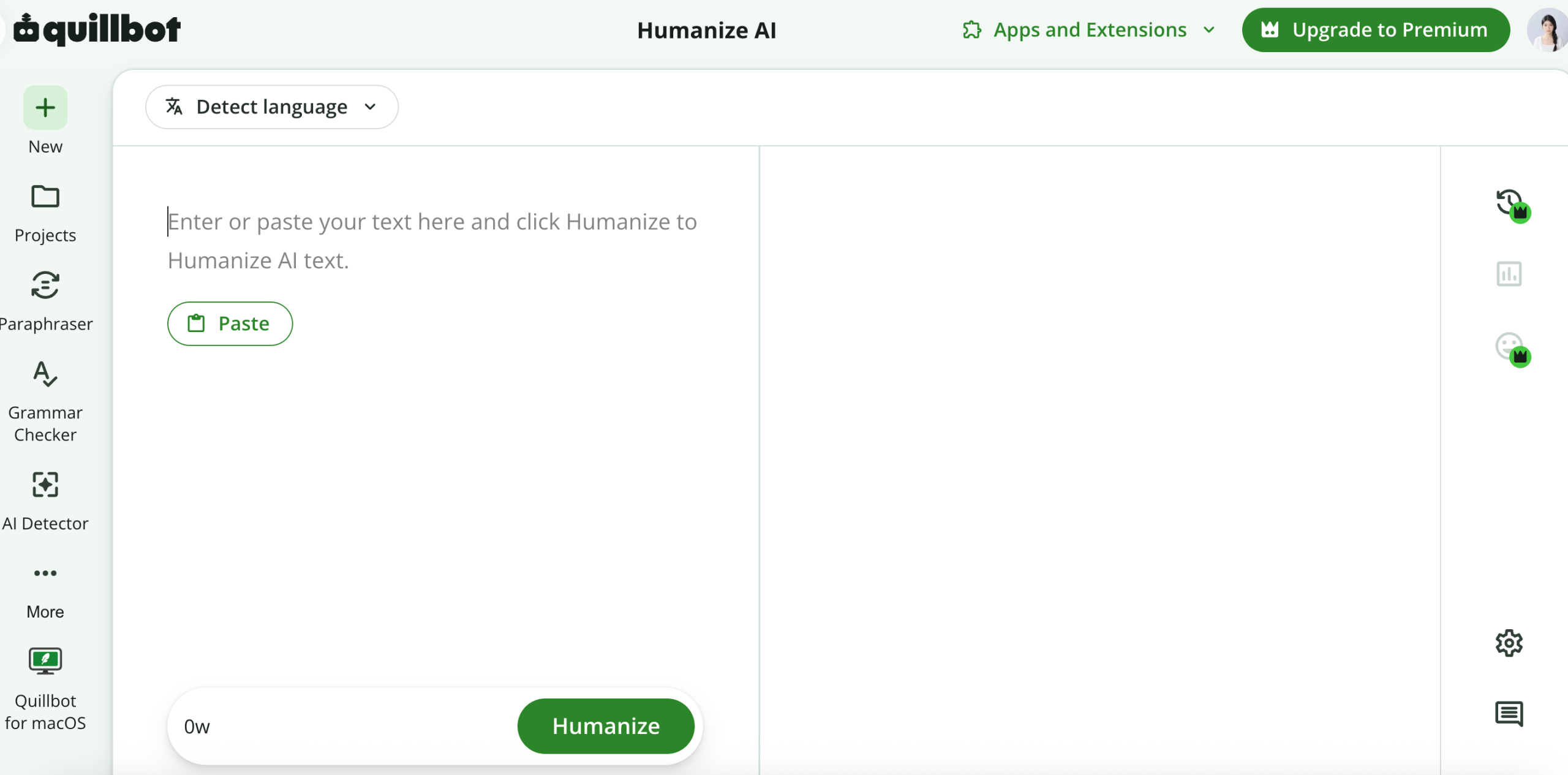
The public QuillBot editor loaded with its language controls, 125-word free limit, tone choices, history, and links to the detector and other tools. Its key features are the broader editing controls around the rewrite box. My automated browser session did not return a stable completed rewrite, so I am not using an invented output to rank it. What I could verify is that QuillBot exposes more follow-up controls than most one-button humanizers. Its surrounding tools help when the real problem is grammar, repetition, or a sentence that needs a more precise alternative. The provider also cautions users not to treat a “100% human” score as an absolute goal.
I see QuillBot as the best fit for someone who wants to diagnose the problem before choosing the fix. A repetitive sentence may need paraphrasing; a dense paragraph may need shortening; a multilingual draft may need translation plus a tone pass. The tradeoff is decision fatigue: switching modes can gradually move a paragraph away from its original meaning. I would lock quotations, citations, figures, and specialist terms before trying alternatives, especially in an essay, research summary, or research papers where those elements need tighter protection.
Where QuillBot may not fit
The free plan allows humanization of up to 125 words per use, with six uses per day according to its current pricing page, so word limits are the practical constraint as much as the number of uses. That is suitable for testing, but a long article becomes a copy-and-paste exercise. QuillBot’s broad toolkit can also tempt users to keep rewriting a sentence after it is already clear.
Best for
- Writers who want humanizing, paraphrasing, grammar, and summarizing in one account.
- Multilingual users working in one of its supported languages.
- Short sections that benefit from several tone options.
Verdict: QuillBot is a strong general-purpose choice, especially if its other writing tools are already part of your process.
4. EditGPT — Best for Track-Changes-Style Editorial Control
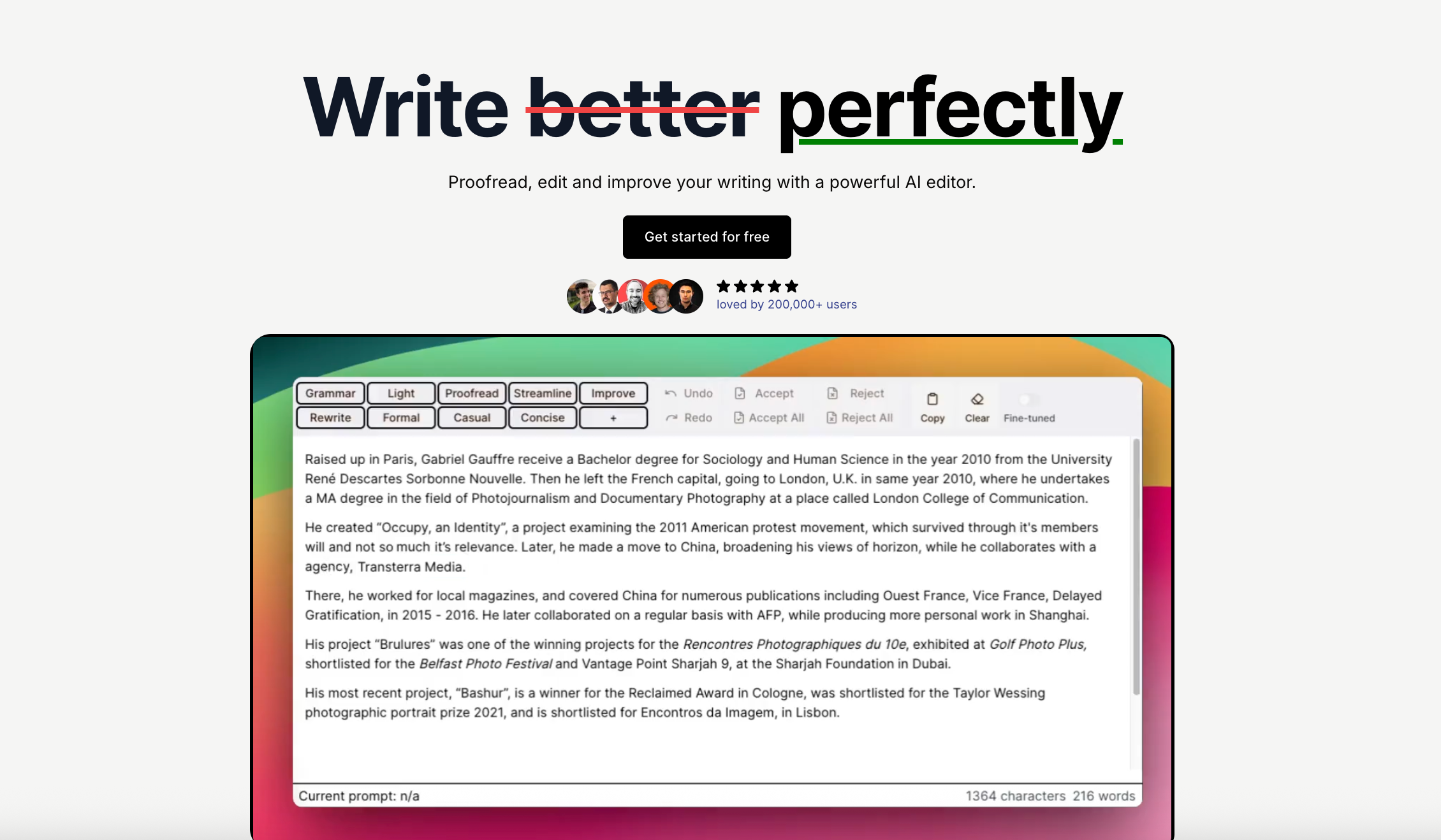
EditGPT positions its humanizer as an editing system built to rewrite ai generated text through an editorial workflow rather than a synonym spinner. I reviewed its live comparison page and product claims but did not obtain a fresh output in this round, so my recommendation is about workflow, not a detector benchmark. Its most persuasive idea is still contextual editing with visible changes, tone settings, multilingual support, and long-document handling.
The track-changes approach is genuinely useful. When wording affects a claim, citation, or specialized term, seeing individual edits is safer than receiving an unexplained replacement paragraph, especially when a tool rewrites sentence structure and you need to verify each change. Authors, researchers, and editors who work in long documents may prefer this slower but more transparent process.
What EditGPT does well
Edit visibility is its clearest differentiator. The product is designed around reviewing changes, accepting or rejecting suggestions, and keeping control of the document. That is a better model for serious writing than blindly accepting a one-click output.
For me, EditGPT becomes more compelling as the cost of an unnoticed edit rises. In a research paper or technical report, a weak synonym can change the claim. A track-changes workflow lets me reject one risky edit without losing the useful changes around it. I would test formatting preservation, comments, citations, tables, and heading structure with one representative document before paying. “Supports long documents” does not automatically mean “preserves every document element.”
Where EditGPT may not fit
EditGPT’s own “best AI humanizer” article puts strong emphasis on bypassing Turnitin and GPTZero, and more broadly on bypassing ai detectors, while ranking EditGPT first. Readers should treat those detector-performance statements as the publisher’s claims, not an independent benchmark, and they were not validated by independent tests. The article does not make every test input, setting, unsuccessful run, and manual edit available for reproduction.
The interface may also feel slower if you only want a quick cleanup of a short email.
Best for
- Long-form writers and editors who want to inspect individual changes.
- Academic or technical drafts where terminology must remain stable.
- Users who prefer an editorial workflow over a one-click rewrite.
Verdict: EditGPT deserves consideration for control and document review, but evaluate it for writing quality rather than relying on its detector claims alone.
5. Scribbr — Best for Responsible Academic Refinement
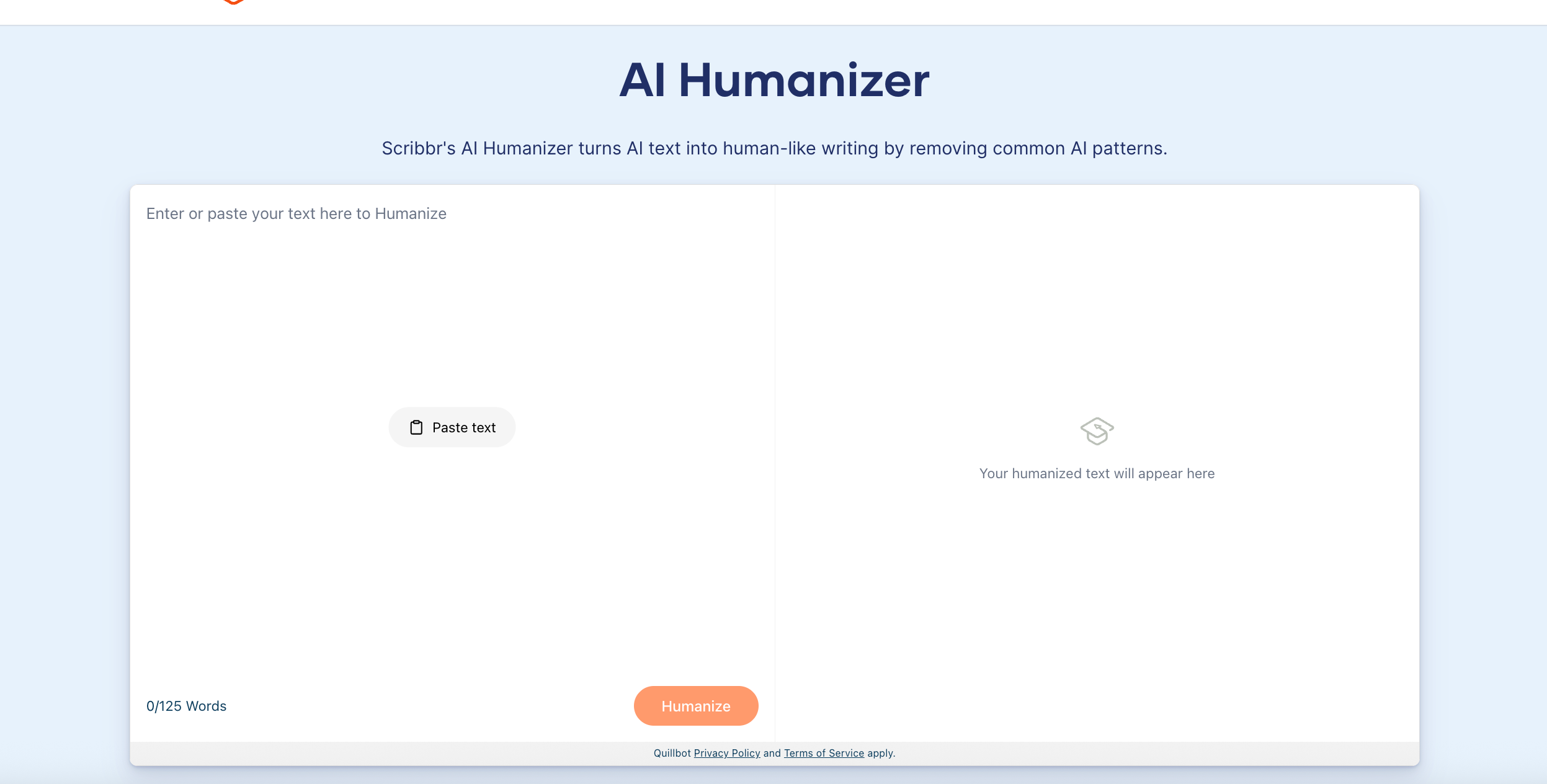
Scribbr completed the same 69-word sample without requiring an account. It kept 2025, 37%, and RAG, so the factual layer survived. The writing was less convincing. It changed “strangely uniform” to “oddly consistent,” repeated “maintain” twice in one sentence, and ended with the stiff phrase “sound knowledgeable when providing an explanation.” I would trust it more for conservative fact preservation than for a publish-ready voice.
That distinction makes Scribbr easier to recommend in an academic context. A student may legitimately use an editor to clarify a sentence they wrote, but using a humanizer to disguise unacknowledged AI authorship can violate course rules. Scribbr keeps the goal closer to responsible revision across academic work.
What Scribbr does well
The tool focuses on recognizable writing problems: formulaic transitions, excessive formality, repetitive structures, and an impersonal tone. It also sits inside a broader academic ecosystem that includes citation, plagiarism, proofreading, and AI-detection resources.
If I were using Scribbr on an essay, I would wait until the argument, evidence, and citations were complete, then revise one paragraph at a time. I would compare every source-based sentence and remove any rewrite that sounds more certain than the evidence allows. That conservative workflow suits students and non-native English writers who need clearer academic English while preserving an appropriate academic tone. It does not make the work original, satisfy disclosure rules, or turn generated reasoning into the student’s own analysis.
Where Scribbr may not fit
Writers looking for advanced voice profiles, document-scale tracked changes, or API processing may find the humanizer too simple. Its strength is accessible refinement, not a highly configurable production workflow.
Best for
- Students following a school’s AI-use and disclosure rules.
- Non-native English writers polishing professional or academic English.
- Users who value a writing-quality focus over detector evasion.
Verdict: Scribbr is one of the safer choices when integrity, clarity, and academic context matter.
6. Phrasly — Best for High-Volume Humanization
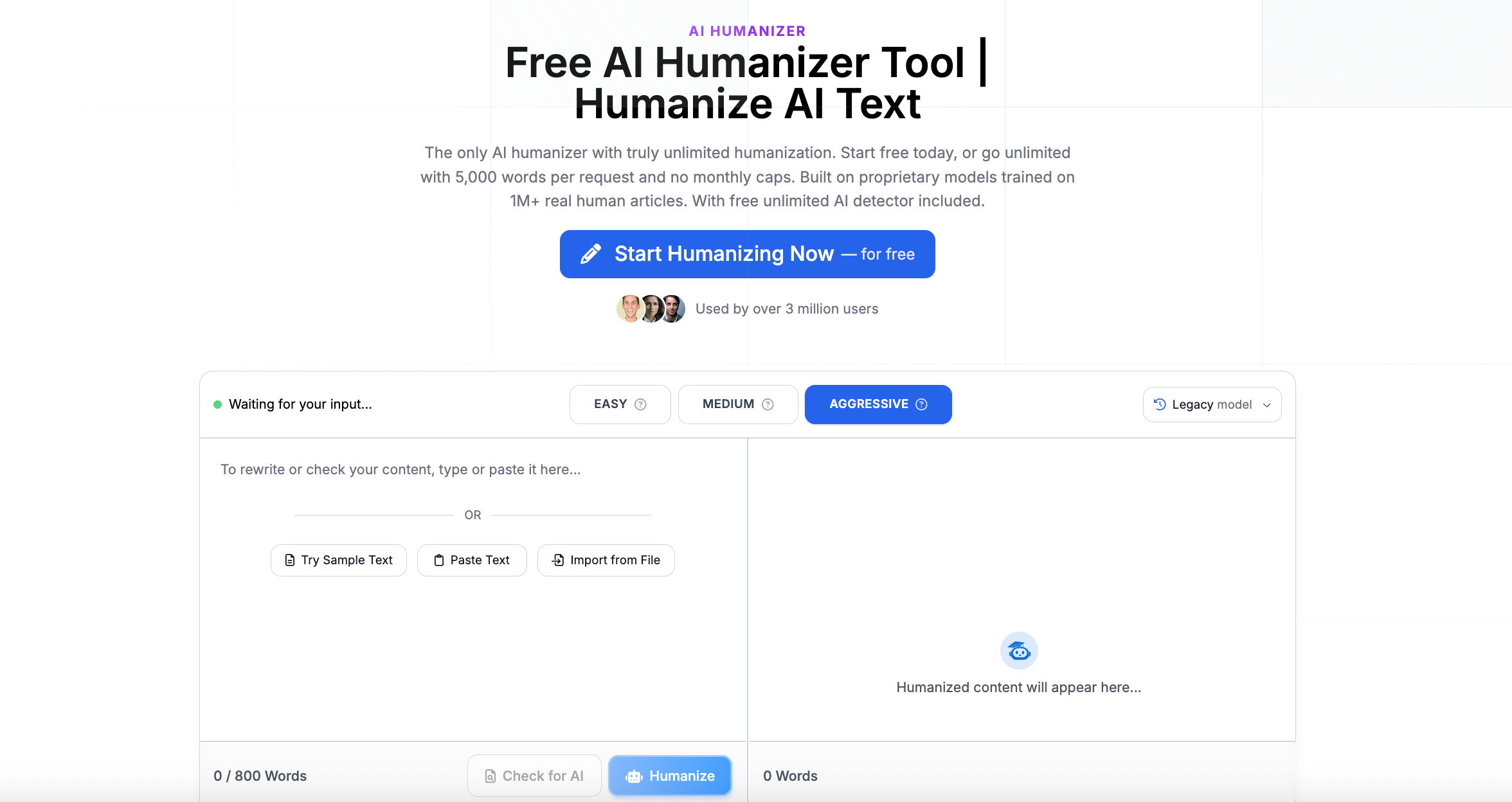
Phrasly targets users who process large amounts of text. When I opened the live site, the humanizer workflow sat behind registration, so I could inspect the positioning, tools, and pricing but could not produce an anonymous result. Its current paid plan advertises unlimited humanizations, up to 5,000 words per process, monthly plagiarism-check allowances, and access to additional generation tools. It also offers a business API priced by processed word, which makes it a practical fit for teams handling long-form blog posts at scale.
What Phrasly does well
Volume is the attraction. A content operation handling many drafts may prefer a larger per-request allowance instead of splitting every article into small sections. The API also makes Phrasly relevant to teams building humanization into an internal workflow.
Phrasly’s own comparison usefully discusses human-like rhythm, meaning preservation, rewrite strength, and long-form limits. However, it tests a Phrasly rewrite with Phrasly’s detector and then names Phrasly the winner. I would not treat that closed loop as independent evidence. The stronger reason to shortlist it is operational: larger inputs, several strength levels, and API access. Before committing, I would run a product page, a factual article, and a brand-led email, then measure factual errors, brand-voice repairs, and editing minutes per 1,000 words.
Where Phrasly may not fit
Phrasly markets heavily around bypassing detection and publishes very high “human score” claims. Those numbers come from the provider and should not be treated as a neutral guarantee. High throughput also increases the chance that a team will skip review, allowing changed facts, generic wording, or damaged terminology into published content.
Best for
- High-volume content teams with a defined human review stage.
- Developers who need a humanization API.
- Users who routinely process passages longer than the limits of free tools.
Verdict: Phrasly is attractive for scale, but its output still needs a factual and editorial checkpoint.
7. Undetectable AI — Best for a Detection-Aware Workflow
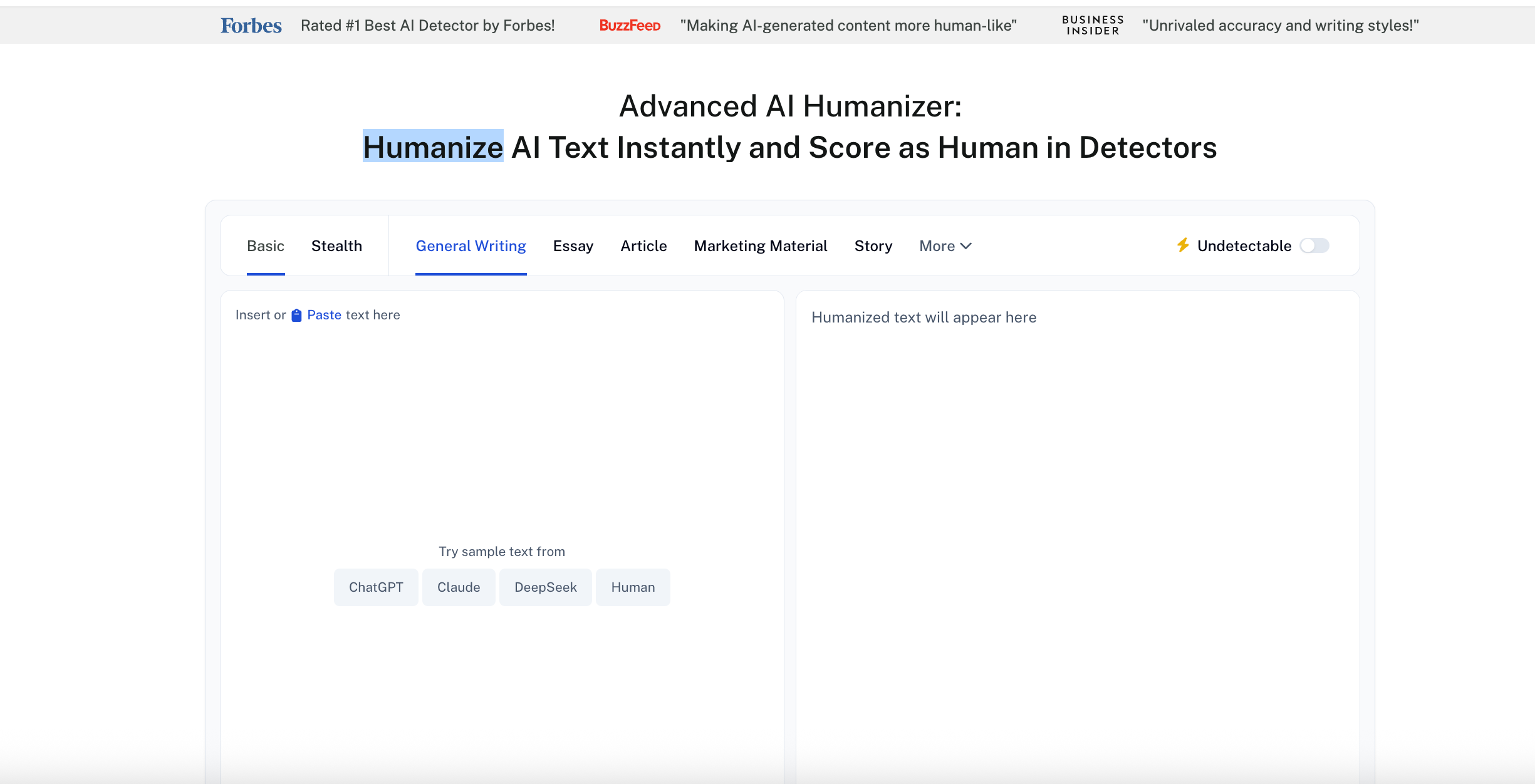
Undetectable AI combines rewriting with AI detection tools and writing-level settings. My first click routed the test passage through detection rather than rewriting, and the site labeled the unchanged sample “likely human written” with only 1% AI. That was revealing: the sample was deliberately polished and uniform, yet the detector did not see it as a problem. I did not continue to a paid humanization step, because the detection result had already shown why a score cannot be my main ranking criterion, especially since detector-first products often optimize for detection bypass more than writing quality.
What Undetectable AI does well
What Undetectable AI does well
The all-in-one workflow is convenient for users who would otherwise move between a humanizer and multiple detectors to check results in one place. Writing-level controls can also help prevent an everyday email from turning into an overly formal essay—or the reverse.
I would use that combined workflow diagnostically. Read the original first, humanize once, and only then look at detector feedback. When the percentage becomes the first objective, awkward sentence structure can survive simply because the score moved. Undetectable AI is therefore a better fit for a disciplined editor than for someone expecting a guaranteed undetectable AI humanizer: it can organize the checks, but it cannot decide whether the final claim is accurate when users are mainly trying to reduce AI signals.
Where Undetectable AI may not fit
The product’s name and marketing naturally steer attention toward detector results, especially when users start treating scores from popular AI detectors as the benchmark that matters most. That can become counterproductive. A rewrite can receive a more favorable score while losing a qualification, changing a number, or replacing a precise technical term with a broad synonym.
The free trial is also limited; its official pricing information currently describes a 250-word trial before a paid plan is required.
Best for
- Users who want humanizing and detection in one place.
- Short experiments with different writing levels.
- Teams that already have a strong accuracy-review process.
Verdict: Convenient for detection-aware users, but do not let the score replace close reading.
Verdict: Convenient for detection-aware users, but do not let the score replace close reading.
8. HumanizeAI.pro — Best for a Quick Free Experiment
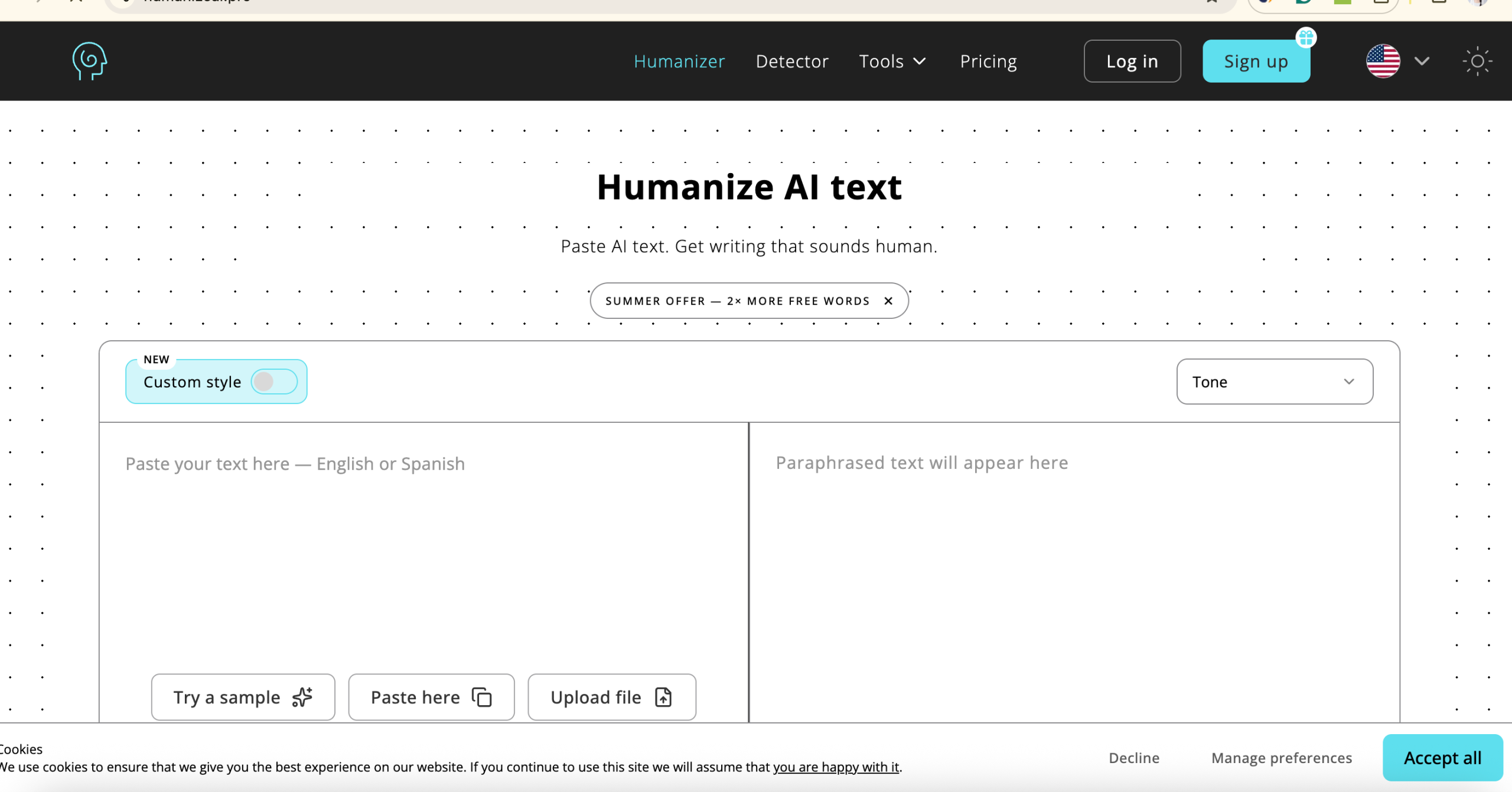
HumanizeAI.pro is appealing to users who want to try one of the free ai text humanizer options without creating an account. I reached its editor, saw Quality, Balanced, and Max rewrite levels, and confirmed the page’s own instructions require a CAPTCHA before processing. I did not complete that CAPTCHA, so this is an interface review rather than an output test. The page also makes unusually absolute ai detection bypass promises, along with claims about producing plagiarism-free text; I would treat those as marketing claims, not guarantees.
What HumanizeAI.pro does well
The free version is enough to test a meaningful paragraph rather than a single sentence. Its clause-level rewriting approach is intended to preserve formal or academic register better than isolated word substitution.
For a free AI humanizer comparison, I would test its least aggressive mode first. If that already removes repetitive openings and stiff transitions, there is no benefit in forcing a larger rewrite, even if a heavier pass can make ai generated text sound smoother while still flattening voice. With technical, creative, or personality-rich copy—the areas forum users said free tools often flatten—I would check whether concrete examples, humor, emphasis, and domain vocabulary survived, not just whether the grammar looks clean.
Where HumanizeAI.pro may not fit
A generated rewrite remains a one-click output. Even when the language looks smoother, you need to compare it with the original. Pay particular attention to quotations, citations, numbers, names, and any sentence that contains a limitation or exception.
Best for
- Users comparing free AI humanizers before subscribing.
- Short formal passages that need smoother movement.
- Anyone willing to perform a careful before-and-after check.
Verdict: A useful free test option, provided you treat the output as a draft rather than a finished answer.
9. GPTHuman — Best for Users Who Want Modes, Scores, and API Access
GPTHuman is one of the most ai humanizers users compare when they want modes, scores, and API access. I reviewed its current product pages, pricing, help center, and API documentation. I did not create an account or claim a fresh output.
The feature set is broad. GPTHuman advertises tone levels, rewrite modes, a built-in detector, a built in ai checker, similarity and readability information, multilingual support, document uploads, content generation, and API access. Its free plan currently lists 300 words of trial output; paid plans increase both monthly allowance and words per result.
The feature set is broad. GPTHuman advertises tone levels, rewrite modes, a built-in detector, similarity and readability information, multilingual support, document uploads, content generation, and API access. Its free plan currently lists 300 words of trial output; paid plans increase both monthly allowance and words per result.
What I liked
The combination of tone, rewrite depth, readability, similarity, and API metadata gives a serious user more to inspect than a single “human” badge. The API documentation is also clearer than the product pages about what a successful response returns and how credits are consumed.
That makes GPTHuman easier to evaluate as a workflow component than as a magic button. A developer can log the selected mode, compare similarity and readability fields, and route questionable output to an editor. A solo writer can use the same controls to limit how much changes. I would begin with the lightest mode and a passage containing fixed facts. Multilingual support also needs language-by-language testing; good English output does not prove that a second-language draft will retain its cultural tone or specialist vocabulary.
What made me cautious
The official site repeatedly guarantees detector bypass, error-free output, and 100% plagiarism-free content. Those are vendor claims. I would not repeat them as verified facts without a controlled, reproducible test across multiple text types. Some users also rely on the tool’s own AI detector alongside rewrite modes and metadata. The detector-first language may also push users to rework a clear paragraph until a score changes.
Who I would recommend it to
I would shortlist GPTHuman for a developer or content team comparing API-based workflows, or for a user who specifically wants tone and rewrite-depth controls and is comfortable testing a limited free tier before moving to a paid plan. I would not choose it solely because the homepage promises to bypass all detectors.
Verdict: Feature-rich and relevant to the research cluster, but evaluate the actual writing before trusting the guarantees.
10. WriteHuman — Fastest Fresh Result, but the Meaning Drifted
100% Human” label.Walter Writes AI gave me the clearest example of why personal testing matters. The editor accepted the 69-word sample without an account and returned two variation tabs. The result kept 2025, 37%, and RAG, then displayed a “100% Human” label.
The surface result looked successful. On close reading, it was not. The rewrite made ai generated text sound more fluent on the surface while still drifting from the source meaning. “The goal is not to disguise authorship” became “We are not looking to replace users,” which is a different claim. The original 37% finding was later described as “the 37% estimate,” and a new idea about allowing users to cite sources appeared even though it was not in the source paragraph.
What I liked
The interface was fast, the input limit was clear, and multiple variations make comparison easier. For low-risk social or marketing text, that speed may be useful.
The two variations are useful only when treated as alternatives, not proof. I would place the original and both outputs side by side, highlight each changed claim, and borrow the strongest lines selectively. That can work for social captions, introductions, and short promotional copy. It is a poor fit for source-based writing when the user expects one-click completion, because my fresh result showed that a fluent sentence can still introduce an entirely new idea.
What users need to watch
Do not let the human-score badge distract you from sentence-level fidelity. A detector-friendly result can still be factually or logically wrong. I would compare every sentence with the original before using WriteHuman on academic, technical, legal, medical, or financial text.
Who I would recommend it to
I would recommend WriteHuman only to users willing to edit actively and working on low-stakes copy. I would not recommend one-click acceptance for source-based or terminology-heavy writing.
Verdict: Quick and easy to test, but it required the most substantive repair in my sample.
What “Best AI Humanizer” Searchers Actually Need
People comparing AI humanizer tools need more than a simple brand list. They ask about sentence structure, natural language, AI-generated content, AI-written drafts, ai content, marketing copy, humanized text, and the quality of the final AI output. They also look for free tools, Reddit recommendations, academic-writing options, and products associated with Turnitin.
Those are not ten separate definitions. They are six decisions I would make before choosing the best ai humanizer tools:
- Sentence structure and natural language: Does the tool vary rhythm and remove formulaic phrasing without creating random complexity?
- Meaning and AI output quality: Does the humanized text keep facts, numbers, citations, and specialist terms?
- Marketing copy: Can it remove generic promotional language while protecting brand names, benefits, and calls to action?
- Academic writing: Does it support responsible editing and remind users to follow disclosure and authorship rules?
- Free access: Can you test a realistic paragraph, or does “free” mean a tiny sample followed by registration or payment?
- Community trust: If you are looking for the best AI humanizer on Reddit, you are probably seeking unfiltered limitations. Reproduce the test yourself instead of trusting a screenshot or affiliate ranking.
This is also why I would not write a separate H2 for every related phrase. They belong inside the actual choice: preserve meaning, improve readability, fit the use case, and reduce the amount of repair work.
Which AI Humanizer Should You Choose?
The quickest way to choose is to start with the consequence of a bad rewrite, then match the workflow to the size and type of text, since different use cases can produce different AI detection scores. I would not use one ranking for a 100-word email, a 2,000-word product page, and a cited research paper.
| Your priority | Start with | Compare against | What I would test before paying |
|---|---|---|---|
| Short blog sections and landing-page copy | Lunote | Grammarly, QuillBot | Brand terms, benefit claims, CTA, sentence rhythm |
| Consistent personal or company voice | Grammarly | Lunote | Whether output matches real writing samples rather than becoming generally formal |
| Academic or cited writing | Scribbr | EditGPT | Quotations, citations, hedging, figures, institutional policy |
| Visible control over long documents | EditGPT | Phrasly | Track changes, headings, references, tables, formatting |
| High-volume or API processing | Phrasly or GPTHuman | EditGPT | Error rate and editor minutes per 1,000 words, not detector score alone |
| Detection-aware experimentation | Undetectable AI | GPTHuman | Whether lower scores coincide with intact facts and readable language |
| Free short-text trial | Lunote, QuillBot, Scribbr, or HumanizeAI.pro | WriteHuman | Real usable limit, sign-up friction, meaning preservation |
For blog posts, SEO content, and marketing copy
Start with Lunote when the main problem is stiff phrasing or repetitive sentence structure in a specific section. Grammarly is stronger when several writers must stay inside a defined brand voice while maintaining Natural language flow in search-facing content. QuillBot helps when the paragraph needs a mix of paraphrasing, shortening, grammar correction, and tone work. Phrasly becomes relevant when volume matters, but I would never publish bulk output without checking product claims, links, names, and calls to action. Search-friendly writing still needs firsthand detail and a useful answer; humanized text is not a substitute for evidence, especially in SEO writing workflows for blog posts and marketing copy. For practical editing guidance beyond this comparison, I would also browse the Lunote blog rather than treating one tool as the entire workflow.
For essays, Turnitin concerns, and research writing
Scribbr has the clearest responsible academic framing. EditGPT is more attractive when I need to see and approve each change. Neither should be selected because of a promise to bypass Turnitin. Detection scores are not proof of authorship, and disguising generated work may breach institutional rules. I would protect quotations, citations, terminology, data, and the writer’s reasoning; use the tool only to improve clarity and sentence movement; and retain the original if disclosure or revision history matters.
For professional emails, reports, and confidential text
Lunote suits a quick paragraph-level cleanup, while Grammarly is stronger when the message must resemble a personal or company voice across repeated work. EditGPT is worth considering when approval and change visibility matter. Before pasting confidential material into any service, check retention, model-training, deletion, and account controls—not just whether the page says “secure.” Lunote states that data is encrypted in transit and at rest on its pricing page, but I would still read the current Lunote privacy policy and apply the same check to every provider.
For long documents and technical content
EditGPT and Phrasly are positioned for larger inputs, while GPTHuman offers modes and API options that may fit a production pipeline. Yet long-document capacity is not the same as long-document quality. A rewrite can be fluent paragraph by paragraph while repeating the same cadence across the article or changing a definition in section seven. I would test one complete representative section, verify headings and formatting, create a protected-term list, and sample-check every later section. For highly technical material, lighter rewriting with visible edits usually beats aggressive humanization.
For the best free AI humanizer
Lunote, Grammarly, QuillBot, Scribbr, WriteHuman, GPTHuman, and HumanizeAI.pro advertise a free starting point or trial, but “free” can mean a small word limit, limited daily runs, CAPTCHA, registration, or an upgrade prompt. Test the same difficult paragraph in two tools. The winner is the one that preserves facts and voice with the fewest manual repairs, not the one that changes the most words. If you want translation, document, note, and video tools alongside writing support, include the wider Lunote AI workspace in the subscription comparison.
My three-step shortlist
First, eliminate any tool that changes a number, name, quotation, qualification, or technical term. Second, read the result aloud and eliminate output that sounds bland, overfriendly, oddly formal, or unlike you. Third, calculate the real cost: subscription price plus the time needed to repair every 1,000 words. This produces a more defensible choice than a vendor detector screenshot or a forum recommendation taken on faith.
A Five-Minute Test Before You Pay
You do not need a complex benchmark to reject a poor humanizer when testing AI-generated text from your real work. Use one paragraph from your real work and run this check:
- Choose a difficult sample. Include one fact, one number, one technical or branded term, and a sentence that expresses your actual opinion.
- Save the original. Keep it next to the result. Never compare from memory.
- Run one standard rewrite. Do not keep pressing “humanize” until the paragraph is unrecognizable.
- Check meaning first. Confirm the claim, number, names, dates, quotation, citation, and important qualifications.
- Read it aloud. Listen for sentences that are grammatically correct but unnatural, overly polished, or unlike your usual voice.
- Count the repair work. If you need to fix several lines, the tool did not save time—regardless of its detector score.
The best result often contains fewer visible changes than expected. Good editing removes friction while protecting what made the paragraph specific.
Why an AI Detector Score Should Not Decide the Winner
AI detectors estimate patterns; they do not observe who wrote a sentence. Different detectors can return different results for the same passage, and short, formal, formula-heavy, or non-native writing may be misclassified.
This creates two common mistakes. First, a writer keeps rewriting accurate text until a score changes, damaging clarity in the process. Second, a reviewer treats a percentage as proof of misconduct. Neither approach is reliable.
If you use the Lunote AI Detector, treat the result as a prompt to review suspiciously uniform sections—not as a verdict. Look for repeated sentence patterns, generic explanations, unsupported claims, and missing personal reasoning. Then improve the writing because the reader needs more clarity or evidence, not because a percentage told you to panic.
Common AI Humanizer Problems—and How to Fix Them
The rewrite changes the meaning
Restore the original fact or claim first. Then revise only the surrounding wording. For technical, legal, medical, financial, or academic material, lock down terminology and verify every number and citation.
The vocabulary sounds translated or unnecessarily fancy
Replace unusual synonyms with the words people in that field actually use. “Use” is often better than “utilize.” A natural draft is not one with maximum vocabulary variation.
Every sentence becomes casual
Human writing is not always conversational. A research abstract, policy memo, and support email require different levels of formality. Choose the tone for the reader, not for a generic idea of “human.”
The draft is smoother but still generic
A humanizer cannot invent your experience responsibly. Add the detail only you know: the decision you made, the example you observed, the result, the exception, or the reason you disagree.
The tool removes structure
Process one section at a time or choose an editor that preserves headings, lists, and formatting. After rewriting, check that the hierarchy still makes sense and that no bullet has lost the context provided by the preceding paragraph.
Frequently Asked Questions
What is the best AI humanizer in 2026?
In my completed sample tests, Grammarly preserved the important details best, although I still had to reduce its formality. Lunote has a clear short-passage workflow, but my anonymous run stopped at the upgrade prompt, so I would test it with available credits before deciding. QuillBot fits an all-in-one workflow, EditGPT emphasizes visible edits, and GPTHuman or Phrasly may suit users who need API or volume features.
What is the best free AI humanizer?
Lunote, QuillBot, Grammarly, Scribbr, and HumanizeAI.pro all offer free access or a free starting point. Compare them with the same paragraph and choose the one that preserves your meaning while requiring the least manual repair. Free limits and account requirements can change.
Can an AI humanizer make text undetectable?
No tool can reliably guarantee that every rewrite will be classified as human by every detector. Detection systems use different probabilistic methods and change over time. Focus on accuracy, clarity, natural voice, and responsible disclosure rather than a guaranteed bypass.
Is using an AI humanizer cheating?
It depends on the rules and how the tool is used. Editing your own draft for clarity may be allowed, while disguising AI-written work as entirely original can violate school, workplace, or publication policies. Check the applicable policy and disclose AI assistance when required.
Do AI humanizers change the meaning?
They can. Aggressive sentence restructuring and synonym replacement may alter facts, qualifications, tone, or technical terms. Always compare the output with the original and verify names, figures, citations, quotations, and key claims.
Is an AI humanizer different from a paraphrasing tool?
A paraphrasing tool primarily offers alternative wording. An AI humanizer usually targets broader patterns such as repetitive sentence structure, stiff transitions, generic phrasing, and uniform rhythm. In practice, many products combine both functions.
Which AI humanizer is best for academic writing?
Scribbr is well suited to responsible academic refinement, while EditGPT’s visible edit process can help protect terminology and citations. Lunote works for shorter study explanations and drafts. Always follow your institution’s AI policy and preserve your own reasoning and source attribution.
Should I use an AI detector after humanizing text?
You may use a detector as one review signal, but not as proof of authorship or quality. Read the text yourself, verify the substance, and ask whether the writing is specific, accurate, and appropriate for its audience.
Final Verdict
The best AI humanizer should leave you with less editing work—not merely a different block of text.
My final recommendation is conditional. For the strongest completed result in this test, I would choose Grammarly and then simplify its formal phrases. For a short, focused rewrite inside Lunote’s broader tool ecosystem, I would try Lunote AI Humanizer with an available free or paid credit allowance and compare the result manually. Choose QuillBot when you want a broader writing toolkit, EditGPT when visible document-level changes matter, Phrasly or GPTHuman when API and processing volume are central, and WriteHuman only when you are prepared to repair meaning drift.
Whichever tool you use, keep the final responsibility where it belongs. Check the facts. Restore your specific examples. Keep citations and technical terms intact. Then stop editing when the passage sounds clear and genuinely like something you would stand behind. You can return to the Lunote blog for related writing and productivity guides, or read About Lunote before deciding whether the wider platform fits your workflow.