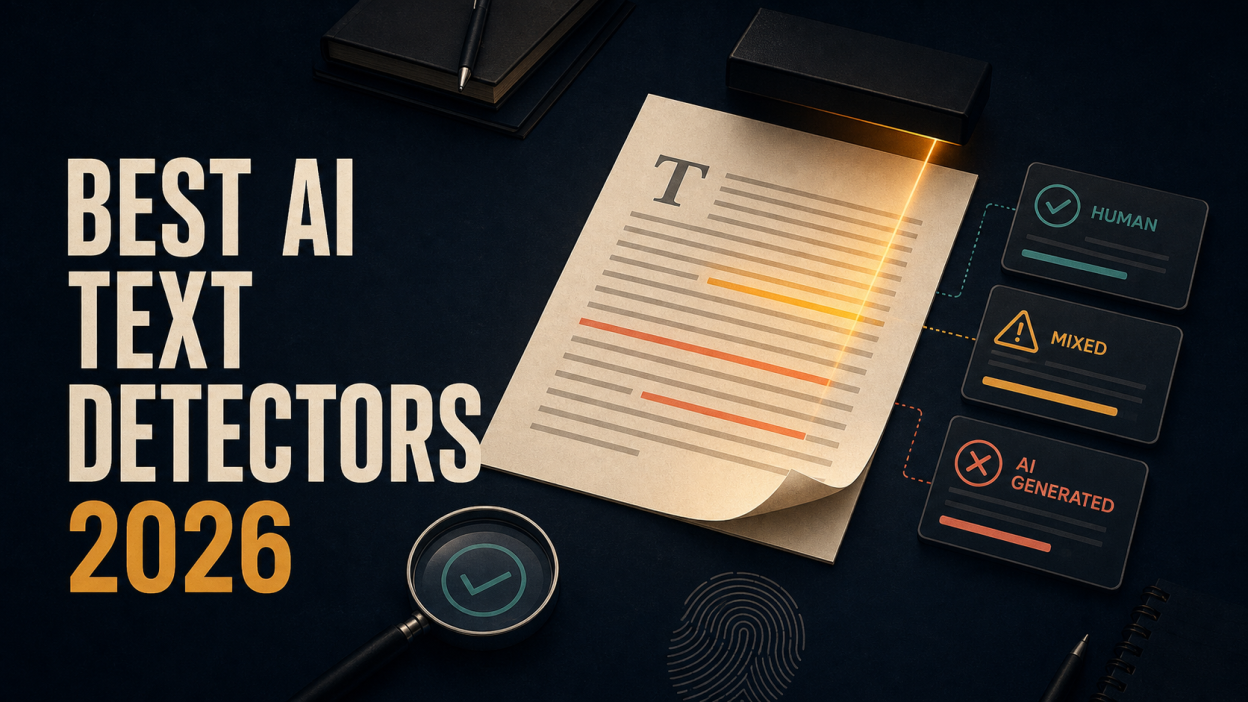
If I had to choose one rule for using an AI text detector in 2026, it would be this: never confuse a probability score with proof of authorship. The best AI text detectors can identify patterns worth reviewing, highlight sections that look unusually predictable, and help teams apply an AI-use policy consistently. They can also miss edited AI content or flag genuine human writing—especially short, formulaic, technical, or non-native English text.
That tension shaped this review. I compared 10 AI detection tools by their reporting clarity, false-positive safeguards, handling of mixed human-and-AI writing, practical free limits, document support, integrations, privacy information, and suitability for real decisions. I also reviewed the testing approaches used by independent writers, competing vendors, academic research, and the providers themselves. I did not convert a company’s advertised accuracy rate into an independent finding.
My short answer is conditional. I would start with Lunote AI Detector for a fast, readable first check inside Lunote’s broader content workflow. I would choose GPTZero when educators need sentence-level context and writing-process evidence, Pangram when publishers or institutions want strong interpretability and integrations, Originality.ai for a content operation that also needs plagiarism and site-level checks, and Copyleaks for enterprise or API-heavy use. For a free second opinion, Scribbr and QuillBot have practical no-cost allowances.
The detector matters, but the decision process matters more. A responsible reviewer asks what the tool measured, whether the sample was long enough, whether another detector agrees, and what non-detector evidence exists before reaching a conclusion.
Best AI Text Detectors at a Glance
| Tool | Best for | Free limit or allowance | Main strength | Main limitation |
| Lunote | Fast first-pass text review | Free access available; current allowance depends on account status | Clear probability-led workflow inside a broader AI workspace | A score still requires human interpretation and supporting evidence |
| GPTZero | Educators and authorship conversations | Free monthly allowance; current plan page should be checked | Sentence-level analysis and writing-process features | A published 2026 video test found a false positive on human nonfiction |
| Pangram | Publishers, universities, and multilingual review | Up to 4 AI scans per day | Segment analysis, AI-assistance labels, integrations, and research positioning | Paid individual access starts above many casual-use tools |
| Originality.ai | Publishers, agencies, and content teams | Primarily paid | Multiple detection models plus plagiarism and editorial checks | Model choice and strict modes can complicate interpretation |
| Copyleaks | Enterprise, API, LMS, and multilingual workflows | Up to 25,000 characters without login | High free scan ceiling and scalable integrations | Enterprise breadth may be unnecessary for occasional checks |
| Winston AI | Text, document, OCR, and image review | 2,000 credits during a 14-day trial | Document/OCR support and AI image detection in one product | The free experience is a time-limited trial rather than an ongoing tier |
| Scribbr | Free academic-oriented checking | Up to 1,200 words per submission, unlimited checks | No-sign-up access and explicit warnings about imperfect accuracy | The free model is less capable than its premium detector on newer models |
| QuillBot | Writers using an integrated editing toolkit | Up to 1,200 words per scan and 6 scans per day | AI-generated, AI-refined, and human-oriented result categories | Its surrounding rewriting tools can blur detection and editing goals |
| Phrasly | Fast free checks and students comparing drafts | Up to 2,000 words per check, advertised unlimited checks | Low-friction access with an integrated humanizer | Its strongest accuracy claims come from Phrasly’s own marketing |
| ZeroGPT | A quick no-sign-up second opinion | Up to 15,000 characters on the free tier | Large casual-use input and immediate scoring | Limited independently published validation for high-stakes use |
Pricing, limits, and product features can change. I reviewed the available information on August 15, 2026. Verify the current plan and privacy terms before uploading unpublished, confidential, or student work.
AI Detector Pricing at a Glance
| Tool | Free access | Paid starting point or model | Official source |
| Lunote | Free access available | Allowance depends on the current plan | Lunote pricing |
| GPTZero | Free plan available | Live price varies by billing cycle | GPTZero pricing |
| Pangram | 4 credits per day | Individual $20/month; Professional $65/month | Pangram pricing |
| Originality.ai | Limited free tools | Pro $14.95/month or $12.95/month billed annually | Originality.ai pricing |
| Copyleaks | Public detector available | Personal $16.99/month or $13.99/month billed annually | Copyleaks pricing |
| Winston AI | 14-day trial with 2,000 credits | Essential $18/month; lower annual equivalent available | Winston AI pricing |
| Scribbr | 1,200 words per free check | Premium AI detection bundled from $19.95 per document | Scribbr premium checker |
| QuillBot | AI Detector is free | Premium optional; detection model is the same | QuillBot detector access |
| Phrasly | Free entry available | Personal price is displayed dynamically | Phrasly pricing |
| ZeroGPT | 15,000 characters per free detection | Pro $9.99/month; annual equivalent $7.99/month | ZeroGPT pricing |
Prices are in USD where the provider publishes USD figures. An annual monthly equivalent normally requires paying for a full year. These prices were checked on August 15, 2026; verify the linked official page before buying.
How I Reviewed These AI Detection Tools
The phrase “most accurate AI detector” sounds simple until you ask what was tested. A detector can perform well on untouched ChatGPT output and fail on a human-edited paragraph. Another can catch most AI-generated text by using a strict threshold while producing more false positives. Accuracy without the sample mix, model versions, domains, languages, thresholds, and confusion matrix is not enough to compare products.
I therefore used four evidence levels throughout this article:
- Independent or academic evidence: Research that describes its dataset, comparison method, or limitations.
- Published hands-on review: A writer or video reviewer showing inputs, outputs, and failures. This is useful evidence, but it remains a small sample.
- Official product documentation: Reliable for current features, limits, and provider methodology; accuracy figures remain vendor claims unless independently reproduced.
- Editorial assessment: My judgment about workflow fit, reporting clarity, and how I would use the tool. It is not presented as a fresh accuracy benchmark.
The three comparison articles supplied for this review illustrate why this separation matters. Anangsha Alammyan says she tested more than 30 detectors on human, AI-generated, and hybrid writing, then recommends eight tools. The article includes useful first-person observations and screenshots, but it does not publish a complete shared dataset or confusion matrix, and it contains affiliate links. Phrasly compares five tools using relevant criteria such as false positives and mixed content, but ranks its own detector first using results it controls. Eesel publishes a clearer use-case split—GPTZero for educators, Originality.ai for content teams, and Sapling for developers—while still relying partly on provider accuracy claims.
The supplied YouTube review is an especially helpful warning. The Nerdy Novelist tested GPTZero with AI fiction, human writing, and edited content. According to the video’s description, GPTZero performed well in some cases but falsely flagged a human-written nonfiction sample. One failure does not establish a population-wide false-positive rate, but it shows why a polished dashboard cannot replace evidence about the writer’s process.
The test set I would use before adopting a detector
For a real purchasing decision, I would build a labeled set from the organization’s own work rather than rely on a generic online paragraph. It should include:
- At least 20 verified human samples written before widespread generative AI use or captured with reliable revision history.
- AI-generated samples from several current models, not one prompt from one chatbot.
- Mixed samples with clearly documented human edits and AI-assisted sections.
- Short, long, technical, creative, formulaic, and non-native English writing.
- The same content with grammar correction, light paraphrasing, and formatting changes.
- A record of true positives, true negatives, false positives, and false negatives at the threshold the team will actually use.
I would weight false positives heavily in education, hiring, and authorship disputes because the cost of a wrongful accusation can exceed the cost of one missed AI-assisted passage. For publishing intake or large-scale content moderation, recall and operational speed may deserve more weight—but only within an appeal and review process.
1. Lunote — Best Starting Point for a Fast, Readable AI Text Check
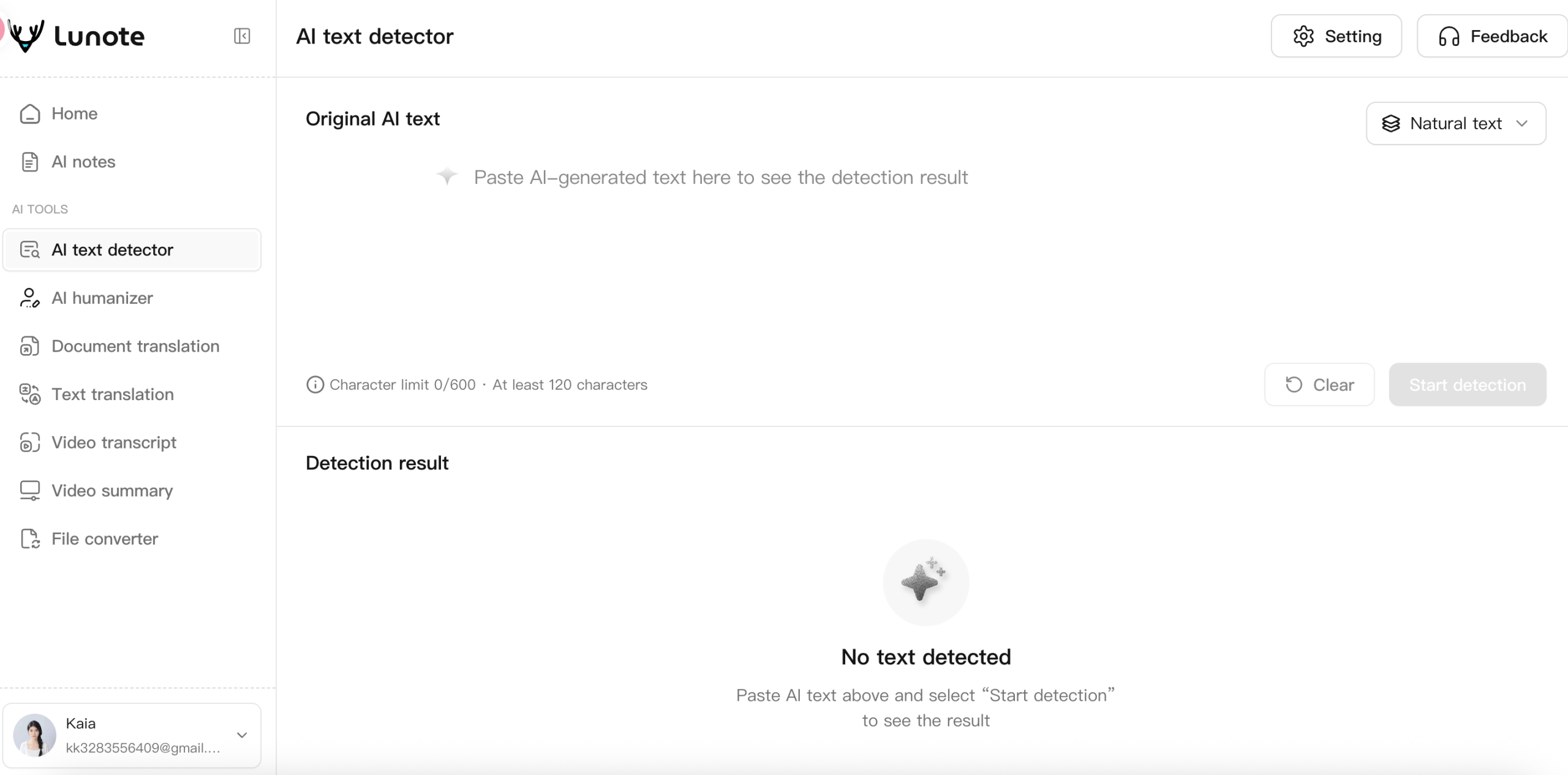
Lunote AI Detector is the most natural starting point for readers already using Lunote for writing, translation, documents, transcripts, and content review. The workflow is deliberately simple: paste text, run the analysis, review the probability-led result, and inspect the writing rather than accepting a binary accusation.
What I like about this approach is its scale. A writer checking one introduction does not necessarily need an enterprise dashboard, LMS integration, or a complex policy engine. Lunote focuses on the recognizable signals behind AI-generated text: unusually consistent wording, predictable sentence order, repeated structures, smooth but generic transitions, context-insensitive word choices, and an overall writing process that feels too uniform.
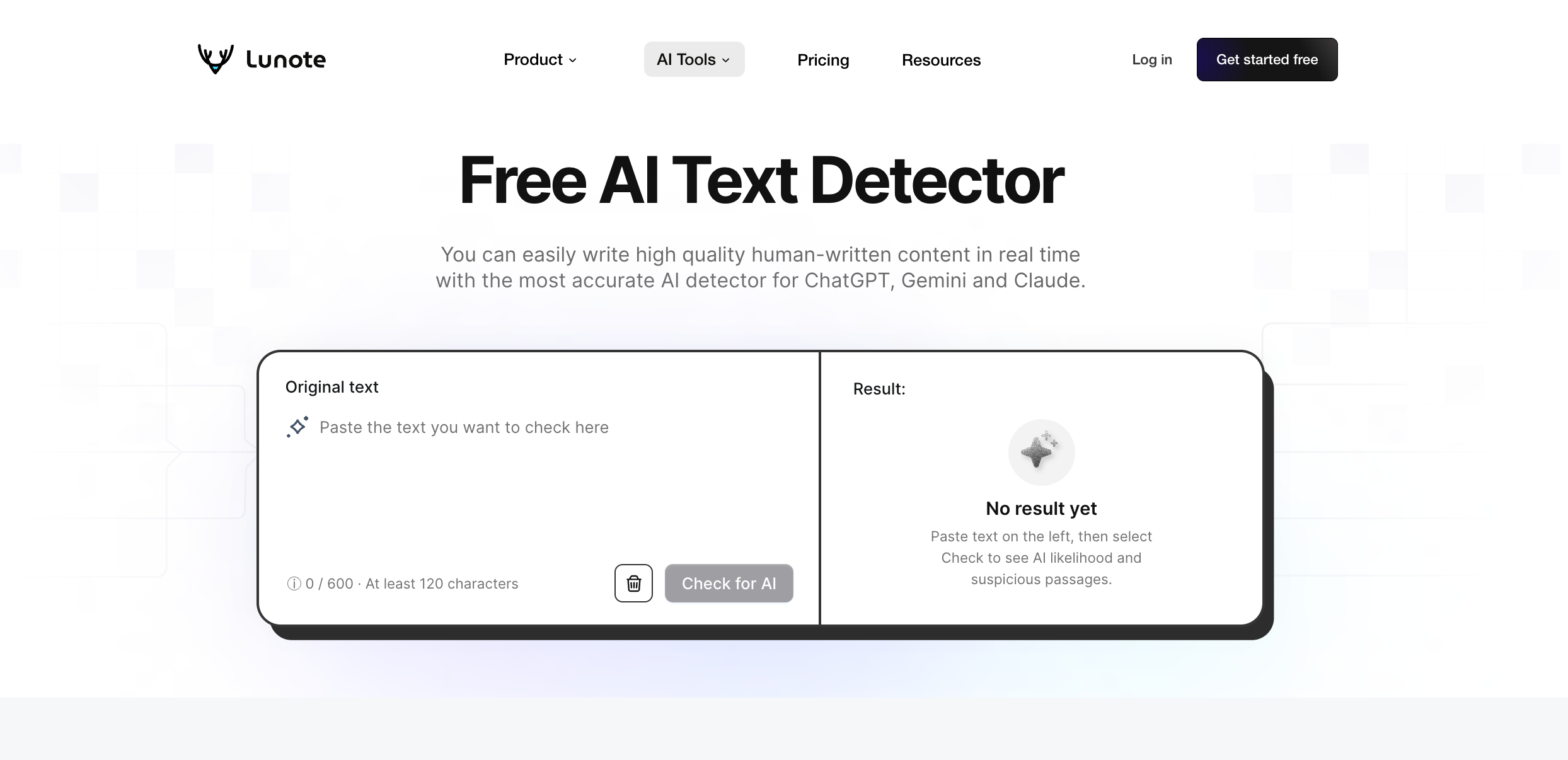
That makes the tool useful for self-review. If a blog paragraph receives a strong AI signal, I would not start swapping synonyms to change the score. I would ask whether the section contains a real example, a defensible claim, a specific source, or reasoning that develops from one sentence to the next. The companion Lunote AI Humanizer can help revise stiff phrasing, but the responsible goal is clearer, more personal writing—not concealing authorship.
Where Lunote fits best
I would use Lunote for blog drafts, emails, essays, support content, and short professional passages when I need an immediate second look. It is also convenient for a user who wants one subscription or workspace covering more than detection. The broader Lunote AI workspace includes document, translation, transcription, summarization, and conversion tools, which matters when the content starts as a PDF, meeting transcript, or video rather than a clean text box.
What to watch
Lunote should not be used as proof that a student, employee, or contributor used AI. Like every detector in this list, it estimates linguistic patterns. Short text, standardized corporate language, simple English, and heavily edited passages can reduce interpretability. I would keep the original draft, check a longer sample, and compare the flagged section with prior writing before making a consequential decision. Review the current workflow on the official Lunote AI Detector page.
Pricing
Lunote offers free access, but allowances and packaged features can change. Check Lunote’s current pricing before comparing it with a detector-only subscription. The value is strongest when you will also use Lunote’s translation, transcription, summarization, humanization, or file tools.
Verdict: Choose Lunote for a focused first-pass AI text detector and a practical path from detection to human review. Escalate high-stakes cases to additional evidence rather than another rewrite loop.
2. GPTZero — Best for Education and Writing-Process Evidence
GPTZero remains one of the most recognizable AI writing detectors, particularly in education. Its value is not only the overall prediction. The product provides document- and sentence-level analysis, highlights likely AI passages, and offers workflow features intended to help educators investigate rather than stare at one percentage.
The most interesting differentiator is process evidence. Writing Replay and related authorship features can show how a Google Doc developed through typing and revision. That changes the conversation. A detector asks whether the final text resembles model output; revision history can show how the writer actually worked. When those sources conflict, process evidence deserves serious weight.
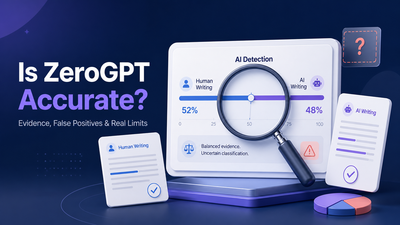
The 2026 YouTube review supplied for this article captures both sides. The reviewer tested pure AI fiction, human writing, and heavily edited material. GPTZero reportedly succeeded on some samples but falsely identified a human nonfiction passage. That is not enough to dismiss the product, but it is enough to reject “GPTZero said so” as a complete academic-integrity argument.
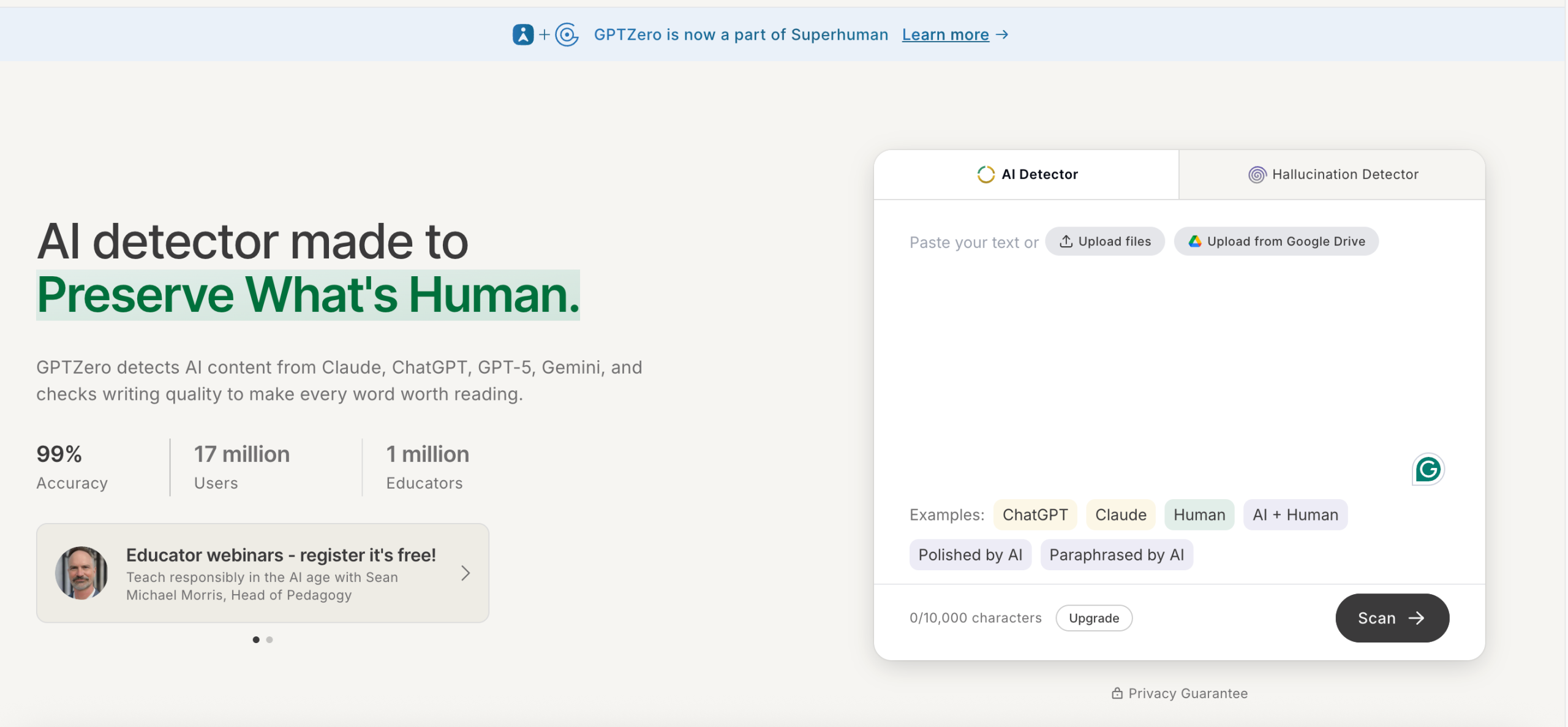
Where GPTZero fits best
I would shortlist GPTZero for schools, tutors, writing centers, and editors who need sentence-level reports and a way to discuss authorship with the writer. Its browser and education-oriented workflows are more useful than a bare detector when staff need repeatable procedures.
What to watch
The main risk is institutional overconfidence. Formal academic prose, repeated assignment structures, and non-native English can resemble the predictable patterns detectors associate with AI. A well-designed policy should define thresholds, require a second review, allow students to provide drafts or notes, and prohibit automatic penalties based on the score alone.
Pricing
GPTZero maintains a free plan and paid professional, team, enterprise, and API paths. Because its interactive page changes prices and allowances with billing-cycle controls, use the official GPTZero pricing page rather than a stale third-party figure. Paying makes most sense for recurring word volume, richer reports, and organization-level workflow features.
Verdict: GPTZero is one of the strongest education-oriented options because it can pair detection with process evidence. Use the report to start a conversation, never to end one.
3. Pangram — Best for Publishers and Research-Oriented Detection
Pangram has become difficult to ignore in 2026. Its product separates fully AI-generated passages from AI-assisted segments, highlights where the signal appears, supports more than 20 languages, and integrates with Google Docs, browser workflows, and common learning-management systems. The free individual plan currently includes up to four AI scans per day.
Pangram also makes unusually detailed claims about its training and evaluation. Its documentation describes a classifier trained on a diverse mixture of human and AI documents, continued retraining, hard-negative mining, and research collaborations. The company publishes category-specific false-positive comparisons rather than one universal number. Those are still claims presented on Pangram’s site, but the effort to expose method and third-party evaluation is more useful than a generic “99% accurate” badge.
For publishers, segment analysis is the feature I would care about most. A 3,000-word submission can contain an AI-assisted introduction and a genuinely reported body. A single document score hides that distinction; highlighted sections let an editor ask targeted questions and compare the language with sources, notes, or earlier drafts.
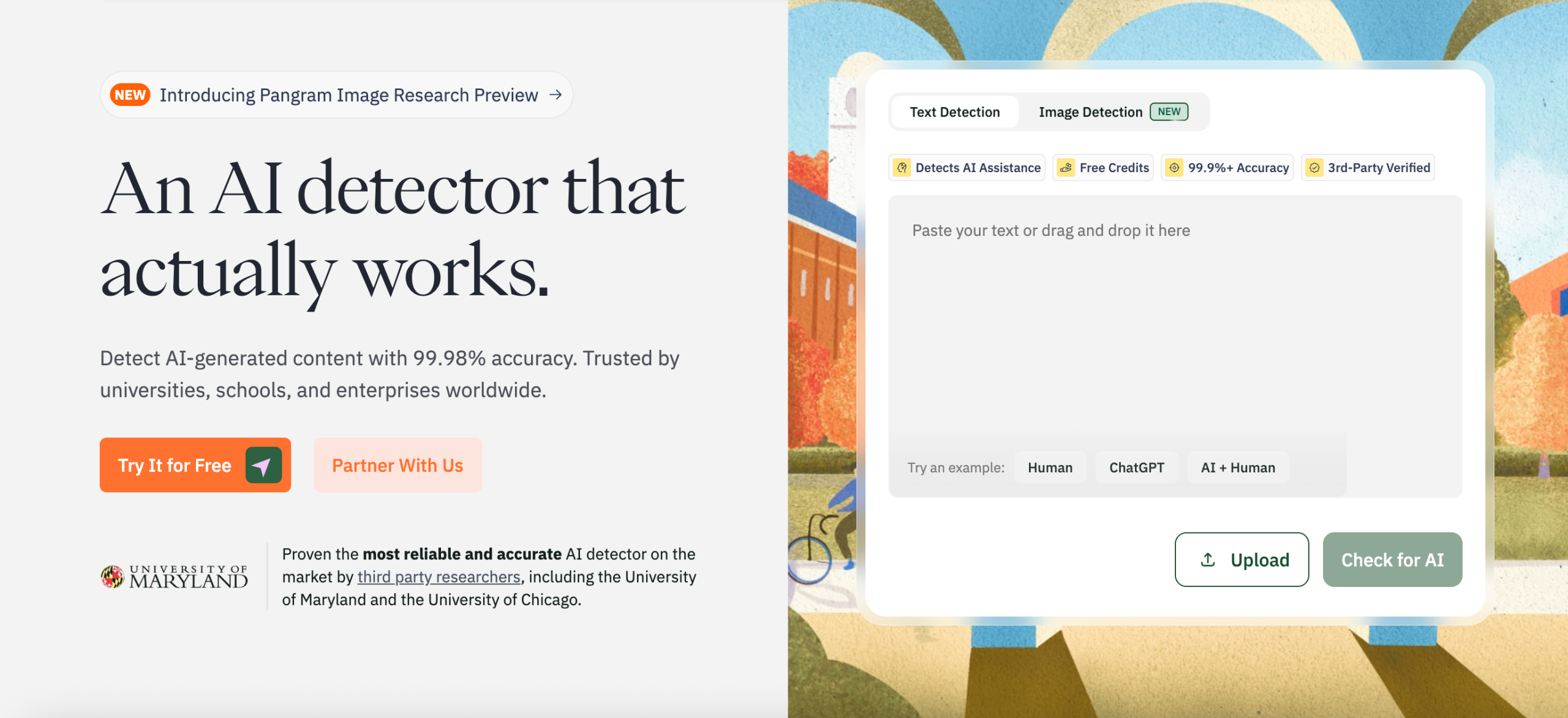
Where Pangram fits best
I would choose Pangram for publishers, universities, content-moderation teams, and organizations checking multilingual or uploaded documents at scale. Its browser extension and Google Docs integration also make sense for editors reviewing material where it already lives.
What to watch
The paid individual plan is more expensive than many casual tools, and confidence in a research-oriented product can still become overconfidence in a single result. The detector’s own categories—human, AI-assisted, and AI-generated—need to be mapped to an organization’s policy before staff start scanning. AI assistance may be allowed, required to be disclosed, or prohibited depending on the context.
Pricing
The official Pangram pricing page lists four free credits per day, Individual at $20 per month for 600 credits, and Professional at $65 per month for 3,000 credits. Team pricing starts at $20 per seat per month, institutions request a quote, and developer credits start at $25 for 500 credits. One developer credit covers 1,000 words, while long documents on individual plans consume additional credits.
Verdict: Pangram is a strong high-context option when interpretability, multilingual support, and integrations matter. The report is most useful when the reviewer already knows what action each category should trigger.
4. Originality.ai — Best for Publishers and Content Operations
Originality.ai is designed for teams that evaluate large amounts of web and editorial content. AI detection sits beside plagiarism checking, readability, grammar, fact-related tools, scan history, team management, site scanning, and API access. That combination is more relevant to an agency or publisher than to a student checking one paragraph.
Its most important feature is model choice. Originality.ai currently presents separate Lite, Turbo, Academic, and multilingual detection models, along with AI Allowance settings for organizations that permit limited assistance. This is conceptually stronger than applying one threshold to every use case. A publisher allowing grammar correction should not use the same standard as a client contract that prohibits generated copy.
The complication is that more settings create more ways to misunderstand a result. Originality.ai publishes different claimed false-positive rates for different models. Those numbers should not be mixed into one headline accuracy figure, and a team should document which model and allowance produced each decision.
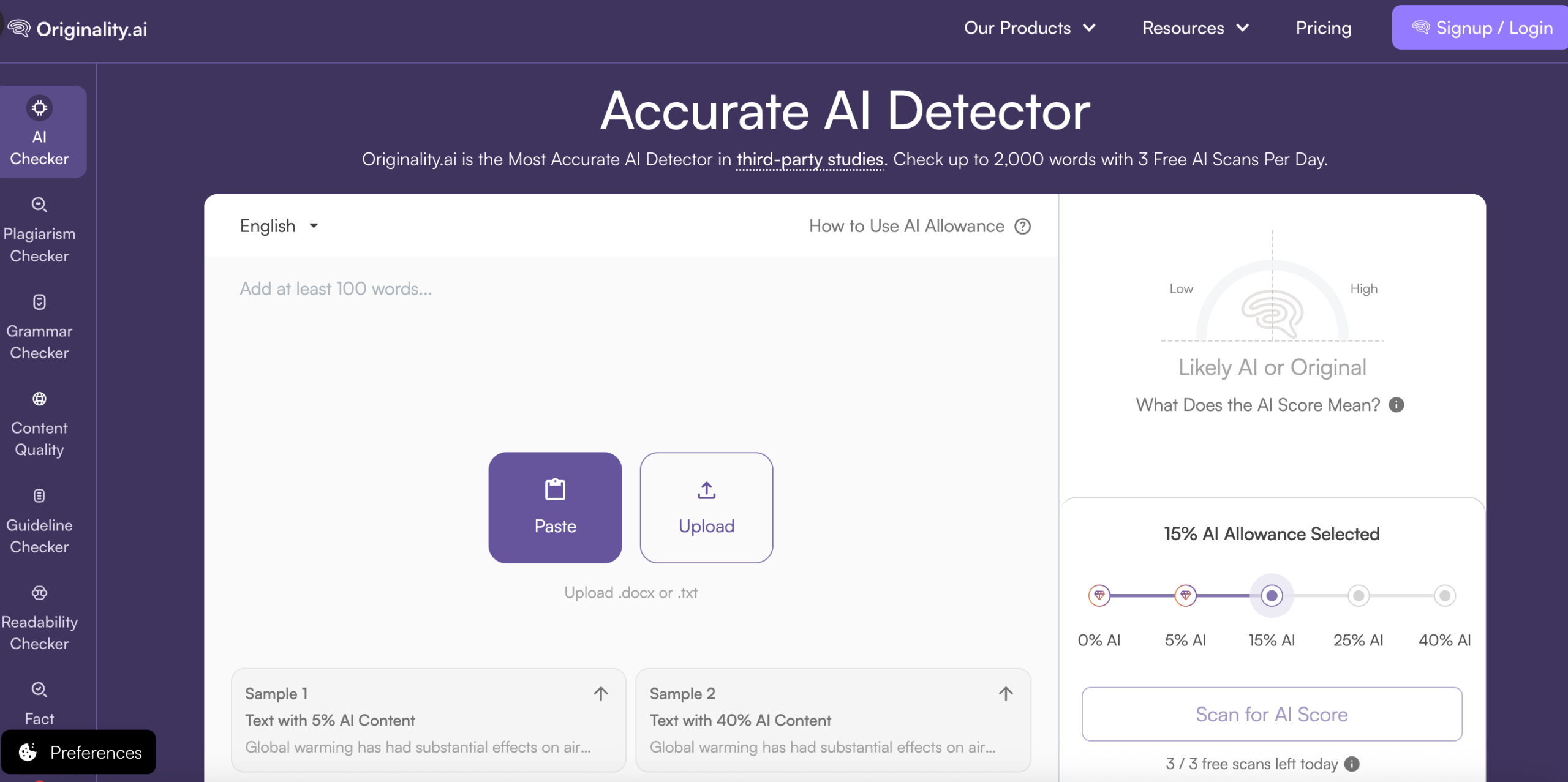
Where Originality.ai fits best
I would shortlist it for agencies, affiliate publishers, editorial teams, and organizations that need AI and plagiarism review in the same operational system. Scan history and shareable reports help when a result needs to be audited later.
What to watch
Originality.ai is primarily paid, and its stricter modes can flag meaningful AI editing that another policy would permit. The provider also defines “AI-generated” according to its own product philosophy. Before rollout, test known human, AI, and hybrid documents from your content categories and write down the accepted model, threshold, and appeal route.
Pricing
The official Originality.ai pricing page lists Pro at $14.95 monthly or $12.95 per month billed annually, with 2,000 monthly credits. One credit scans 100 words for AI detection. Enterprise is $179 monthly or $136.58 per month billed annually with 15,000 monthly credits. Pay-as-you-go credits are also available, so the useful comparison is cost per scanned word plus the value of reports and workflow controls.
Verdict: Originality.ai is less a casual AI checker than a content-governance suite. It earns its place when teams will actually use the model controls, scan history, and connected quality checks.
5. Copyleaks — Best for Enterprise, API, and LMS Integration
Copyleaks offers one of the most generous public scan ceilings in this group: its official detector page advertises up to 25,000 characters without logging in. The product also supports AI detection across multiple models, mixed human-and-AI content, LMS integration, APIs, enterprise controls, and plagiarism review.
This breadth makes Copyleaks a practical option for organizations that need detection inside another application. A university may care about LMS workflow, while a platform team may care about API latency, data handling, and scalable reports. A free text box cannot answer those operational questions.
Copyleaks advertises high accuracy and a very low false-positive rate. I would treat both as provider claims until reproduced on the buyer’s own content. Older academic comparisons have found Copyleaks competitive on clearly AI-generated samples, but research also shows that detector performance can fall with code, paraphrasing, unfamiliar domains, and languages outside English.
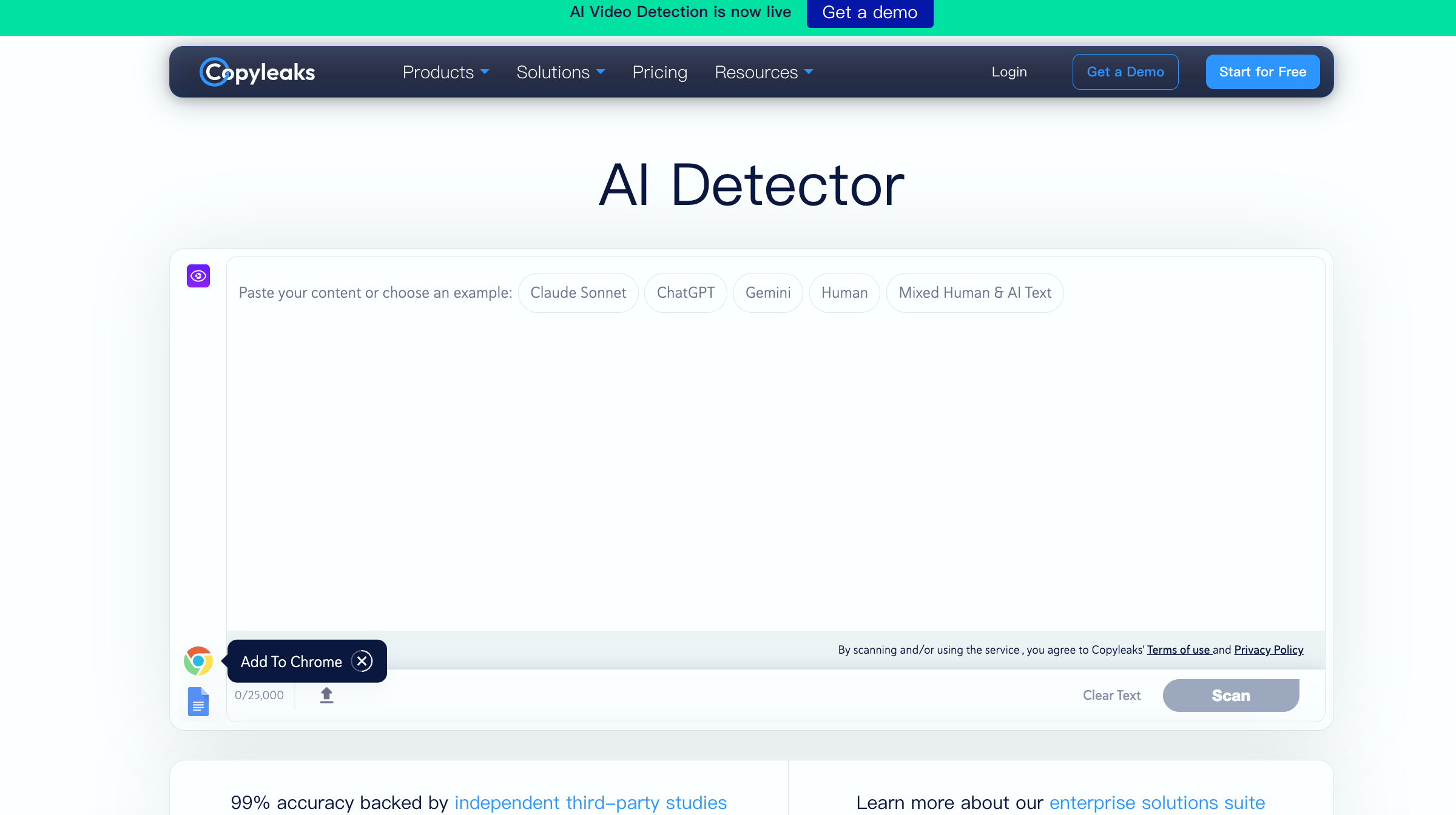
Where Copyleaks fits best
I would choose Copyleaks for enterprise compliance, education systems, publishers, or product teams that need an API and detailed integration path. It is also a useful free first check for a longer passage because the public character limit is higher than many competitors.
What to watch
Enterprise capability can create a false sense that the result is enterprise-grade evidence. Integrations make decisions faster; they do not make a probabilistic classifier infallible. Require human review and preserve the text, model version, date, and report used in any consequential case.
Pricing
The Copyleaks pricing page lists Personal at $16.99 monthly or $13.99 per month billed annually, and Pro at $99.99 monthly or $74.99 per month billed annually. One credit covers up to 250 words or one image. Education, API, and enterprise requirements use custom pricing, so estimate monthly scan volume before comparing a seat plan with an integration.
Verdict: Copyleaks is one of the most scalable choices in the list. Evaluate it on integration quality and your own false-positive tolerance, not only its headline accuracy claim.
6. Winston AI — Best for Documents, OCR, and AI Image Detection
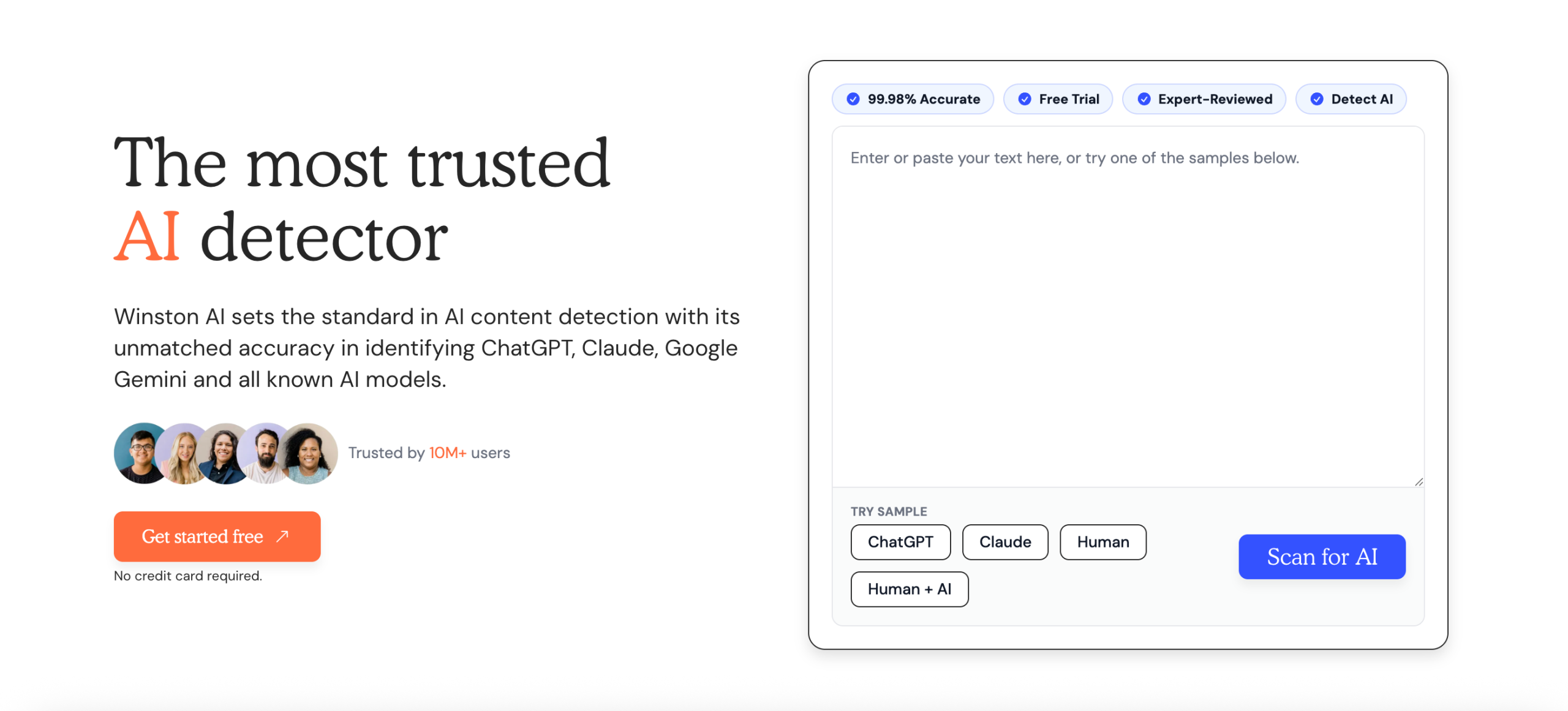
Winston AI stands out because it goes beyond pasted text. Its current product supports document uploads, OCR for scans and handwriting, AI image detection, website scanning, reports, and—on higher plans—additional integrity and team features. The free offer is a 14-day trial with 2,000 credits rather than an unlimited free tier.
That combination can reduce tool switching. A teacher reviewing a scanned assignment, a publisher checking an uploaded document, or a content team evaluating text and imagery may prefer one workflow. Winston also presents a Human Score, which is easy to read but carries the same interpretive risk as every simplified percentage.
The provider advertises a 99.98% detection rate. I would record that as a Winston claim, not my measured result. The useful question is how the model performs on the organization’s real mix of polished human text, recent AI models, edited drafts, and scanned documents after OCR. Recognition errors can alter the text before detection even starts.
Where Winston AI fits best
I would shortlist Winston for teachers, publishers, and teams that need OCR or AI image detection alongside text analysis. Its shareable reports and document workflow are more important than the marketing percentage.
What to watch
The trial is enough for an initial check but not a long-term free workflow. OCR adds another uncertainty layer, and website certification does not prove that every sentence on a site was written without AI. Review extracted text before trusting the detector result.
Pricing
The official Winston AI pricing page lists monthly Essential, Advanced, and Elite plans at $18, $29, and $49, with lower effective prices for annual billing. The tiers increase monthly credits from 80,000 to 500,000 and add plagiarism, certification, or team features. AI text detection uses one credit per word, which makes expected monthly cost relatively easy to estimate.
Verdict: Winston AI is the strongest fit when the input is not always clean pasted text. Test OCR accuracy and reporting usefulness before paying for the wider feature set.
7. Scribbr — Best Free Detector for Academic Self-Checking
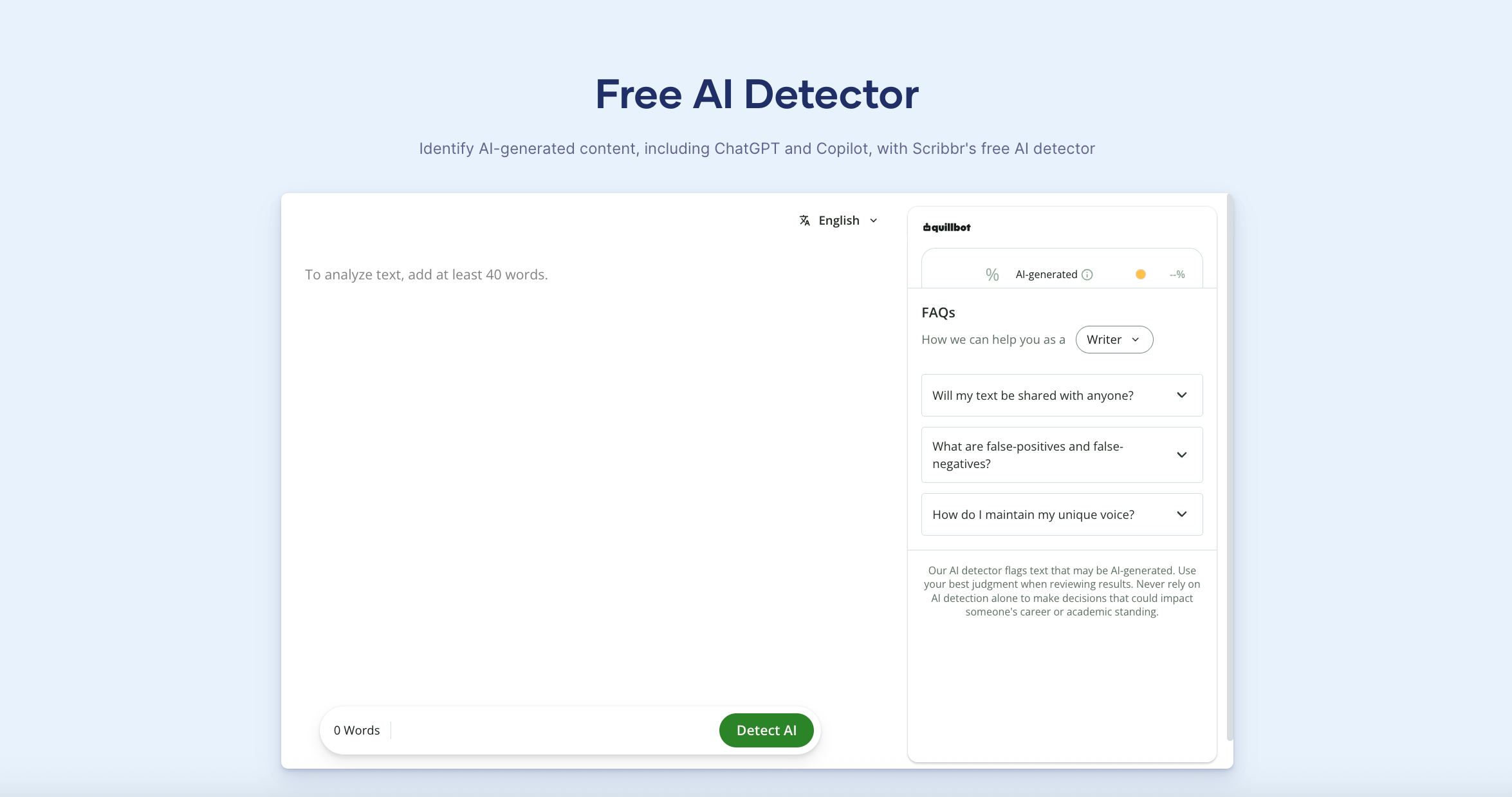
Scribbr’s free AI Detector allows up to 1,200 words per submission, requires no sign-up, and permits unlimited checks. It distinguishes AI-generated, AI-refined, and human-written content and provides paragraph-level feedback. That is a meaningful free offer for students and writers who want to inspect a complete section rather than a few sentences.
Scribbr also communicates limitations more responsibly than many vendors. Its documentation says no detector can guarantee 100% accuracy, recommends longer samples, and explains that predictable wording or monotonous sentence structure can cause genuine human work to receive a higher AI probability. Its own comparison found that detector accuracy varies considerably and that results should be combined with other evidence.
The academic setting makes this restraint important. Students may use grammar tools, translation support, accessibility tools, or formulaic disciplinary language without outsourcing their thinking. A detector cannot reconstruct that history from the final prose.
Where Scribbr fits best
I would use Scribbr as a free academic self-check or a second opinion, particularly when no account is desirable. Its surrounding citation, plagiarism, and academic-writing resources also make the workflow familiar to students.
What to watch
Scribbr says the free detector has average accuracy for older model families, while premium detection supports newer models more fully. More importantly, even the premium result remains probabilistic. An educator should not use the free score as a shortcut to misconduct allegations.
Pricing
The detector is free for 1,200-word submissions. Scribbr’s premium plagiarism checker bundles premium AI detection and charges per document: $19.95 up to 7,500 words, $29.95 for 7,500–50,000 words, and $39.95 above 50,000 words. This model suits occasional academic checks better than constant high-volume scanning.
Verdict: Scribbr is one of the most useful free AI text detectors because the allowance is practical and the provider states the limitations plainly.
8. QuillBot — Best Integrated Detector for Writers and Editors
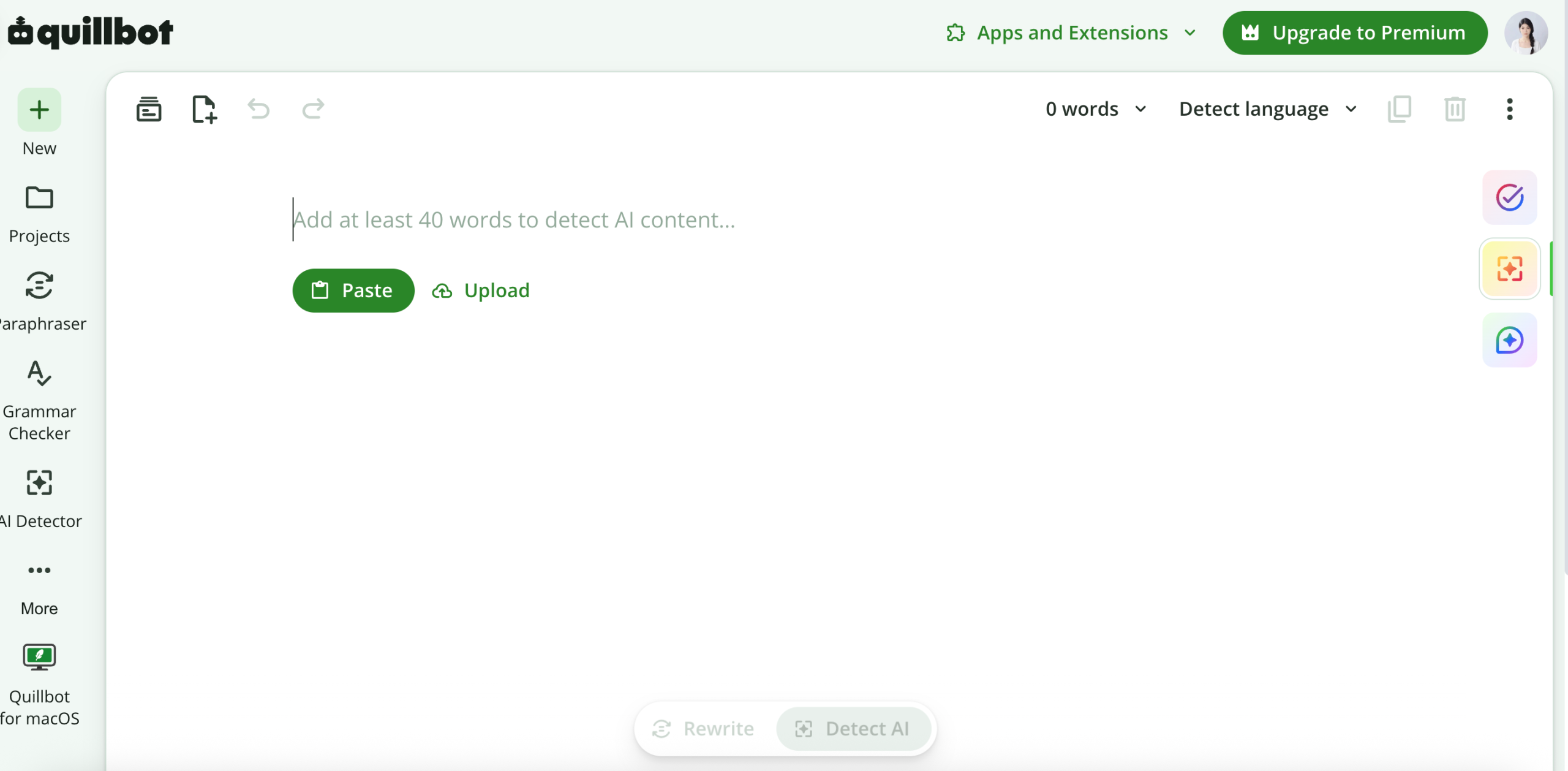
QuillBot’s free detector currently supports up to 1,200 words per scan and six scans per day. It returns an overall score, sentence-level or explanatory feedback, and categories intended to distinguish fully AI-generated text from AI-refined writing. The detector sits beside QuillBot’s paraphraser, grammar checker, humanizer, translator, summarizer, and citation tools.
That integrated environment is useful when the purpose is editorial diagnosis. A content editor can inspect a flagged section, identify repetitive or predictable construction, and decide whether the real problem is grammar, clarity, or missing evidence. QuillBot also recommends a minimum of 80 words and acknowledges that longer text generally produces more meaningful results.
The integration can also create a bad loop: detect, rewrite, detect again, and repeat until a score falls. That process optimizes for a classifier rather than a reader and can erase accurate terminology or individual voice.
Where QuillBot fits best
I would choose QuillBot for writers who already use its editing suite and want AI detection as one signal inside revision. It is also a strong free comparison tool because the allowance covers a substantial passage.
What to watch
Do not assume that QuillBot’s categories reveal the exact writing process. “AI-refined” is an inference from text patterns, not a replay of who changed which words. Preserve revision history when provenance matters.
Pricing
According to QuillBot’s official help center, AI detection itself is free and uses the same detector for free and Premium accounts. Premium mainly changes file handling: free users upload one file at a time, while Premium users can upload up to 20. Check QuillBot’s live Premium page only if the wider editing suite affects your decision.
Verdict: QuillBot is a practical free detector for an editing workflow. Stop scanning when the writing is accurate and specific; do not optimize endlessly for the score.
9. Phrasly — Best for Fast, Free Checks With an Integrated Humanizer
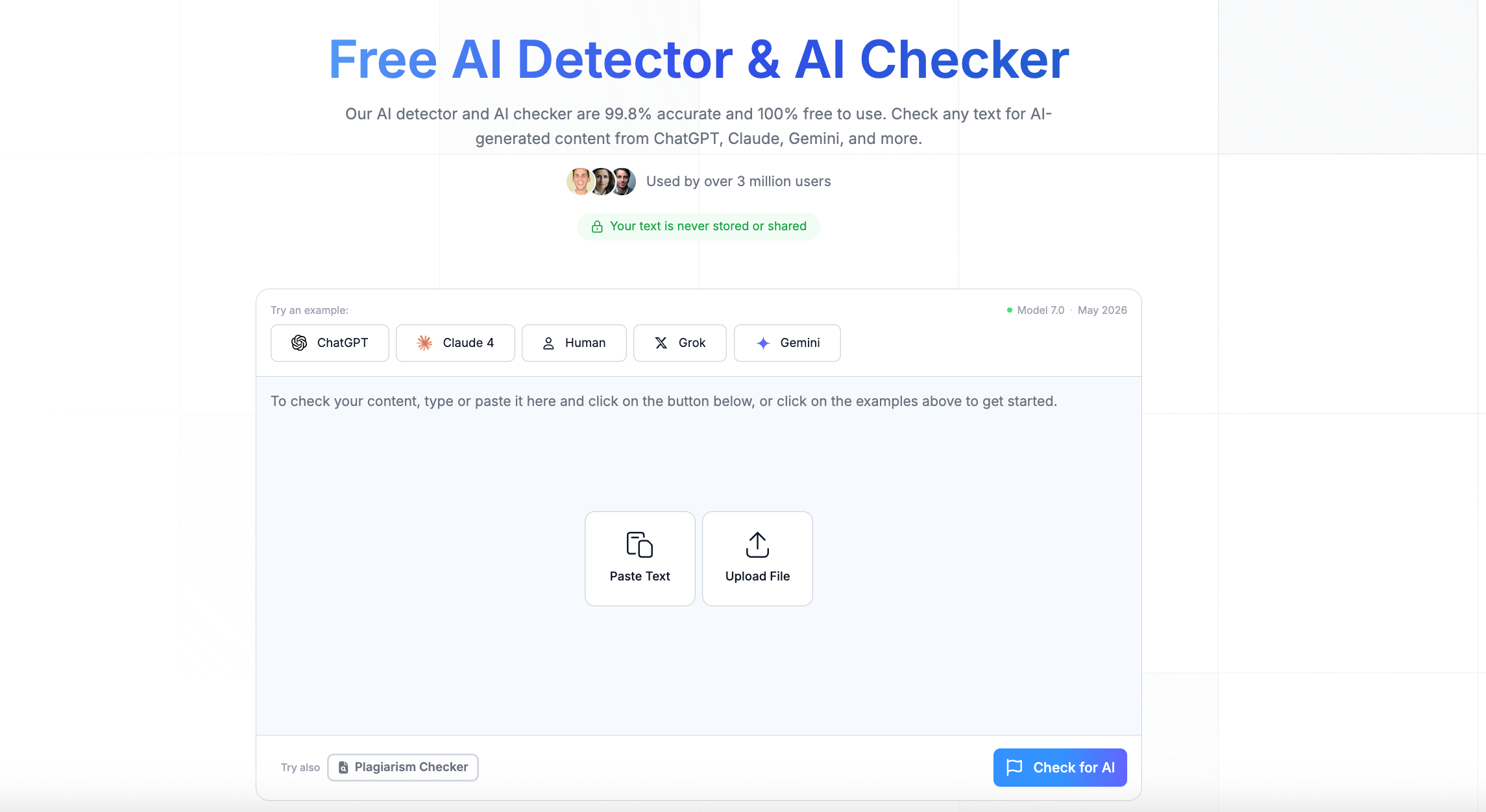
Phrasly advertises a free detector that processes up to 2,000 words per check with unlimited checks. It positions the tool for students, educators, creators, and professionals and pairs detection with a humanizer and other writing functions.
The convenient access is real product value. Someone comparing a long draft can run an initial scan without paying for a large team system. Phrasly’s published comparison also uses sensible criteria: fully human writing, AI-generated text from multiple models, mixed content, false positives, speed, reporting clarity, and practical value.
The evidence problem is independence. Phrasly’s comparison ranks Phrasly first and uses broad labels such as “High” accuracy without publishing enough raw inputs and outputs to reproduce the result. Some passages also make absolute-sounding originality claims that a probabilistic detector cannot establish. I would use the tool, but I would not cite its self-ranking as proof that it is the most accurate free AI checker.
Where Phrasly fits best
I would use Phrasly for a free first or second scan when the 2,000-word allowance is convenient, or when a writer wants detection and rewriting in one account.
What to watch
Keep detection and humanization as separate decisions. If the detector flags a section, diagnose the writing and check the facts before sending it through a rewrite tool. A lower second score does not demonstrate human authorship.
Pricing
Phrasly’s official pricing page presents a short trial and an Unlimited personal plan, but the dollar amount is loaded dynamically and was not reliably exposed in the page text reviewed. I would not publish a guessed price. Verify the checkout total, billing period, cancellation terms, and per-process limit before subscribing; its business API follows a separate pricing model.
Verdict: Phrasly is convenient and generous for casual checking, but its strongest performance statements require independent verification.
10. ZeroGPT — Best for a Quick No-Sign-Up Second Opinion
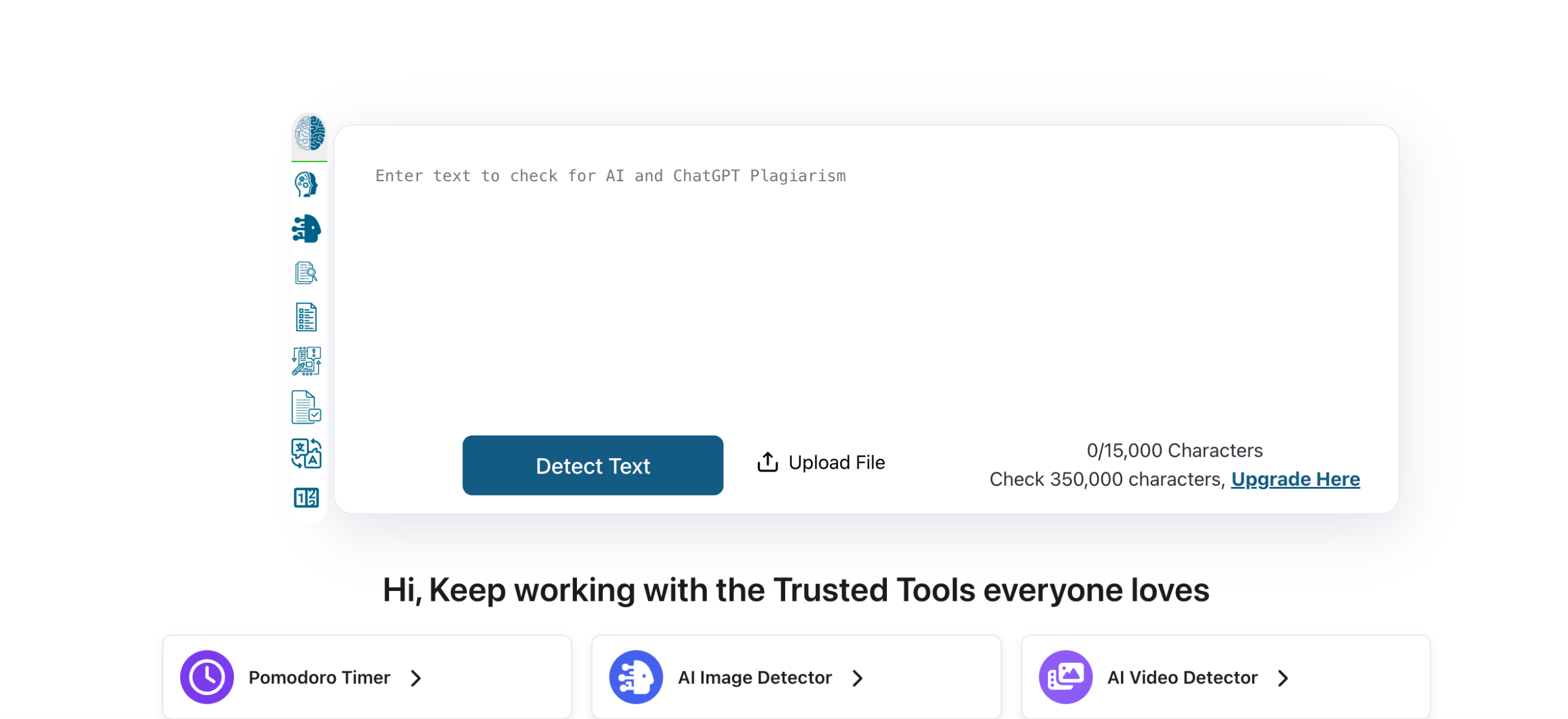
ZeroGPT is often the easiest detector to reach when someone wants to paste text and receive a score immediately. The free plan has been reported with a 15,000-character per-detection allowance, making it useful for a quick check without building a full institutional workflow.
I would treat that simplicity as the product’s role. If a writer wants to know whether a paragraph looks highly uniform, ZeroGPT can provide another signal. It should not be the foundation for an accusation, a hiring decision, or an automated publishing rejection.
Eesel’s 2026 comparison reaches a similar conclusion: ZeroGPT is an obvious answer for a one-off free check, but its high accuracy claims have less transparent independent support than some alternatives. A large free allowance and a precise-looking percentage are not the same as validated performance across domains.
Where ZeroGPT fits best
I would use ZeroGPT as a no-friction second opinion after reading the text myself. It can also be useful for demonstrating how dramatically two detectors can disagree on the same sample.
What to watch
Do not average several detector percentages as if they measured the same probability. Different products use different models, thresholds, training data, and category definitions. Disagreement is a reason to investigate, not a request to keep scanning until one result confirms your suspicion.
Pricing
The current ZeroGPT pricing page lists Free at $0, Pro at $9.99 per month or $7.99 per month billed annually, Plus at $19.99 or $14.99 on annual billing, and Max at $26.99 or $18.99 on annual billing. Paid plans raise the per-detection ceiling to 100,000 or 150,000 characters and add batch uploads, history, exports, or plagiarism allowance. A larger allowance does not resolve the product’s independent-validation gap.
Verdict: ZeroGPT is useful for quick, low-stakes screening. Choose a product with stronger reporting, validation, and governance features for systematic decisions.
What the Competitor Reviews Get Right—and What They Miss
The best reference articles recognize that AI text detection is not a binary contest. Anangsha’s Substack review uses human, AI, and hybrid writing and includes the author’s observations. Eesel distinguishes educators, content teams, and developers instead of forcing one universal winner. Phrasly includes false-positive rate and reporting clarity among its criteria. The YouTube review shows an actual failure rather than hiding it.
Their shared weakness is reproducibility. Most do not publish every input, model, prompt, edit, detector version, threshold, unsuccessful scan, and confusion-matrix result. Tool vendors frequently rank themselves first, affiliate relationships may influence selection, and headline accuracy numbers with different definitions appear side by side.
I would improve any detector comparison in three ways. First, publish the labeled sample set or enough excerpts to audit it. Second, report false positives and false negatives separately for human, AI, and mixed text. Third, explain the consequence of error. Missing one AI-written marketing paragraph is not equivalent to falsely accusing a student of misconduct.
How Accurate Are AI Detectors in 2026?
There is no single accuracy rate for “AI detectors.” Performance changes with the detector version, AI model, prompt, domain, language, passage length, degree of human editing, and threshold. A product can be excellent on raw model output and unreliable on short hybrid text.
Academic evidence supports caution. Liang et al. found that several detectors disproportionately misclassified writing by non-native English authors. A separate practical evaluation by Tufts et al. found performance could deteriorate under unfamiliar domains and moderate attempts to change generated text. These studies may not measure every current commercial model, but the structural lesson remains: human and AI writing distributions overlap.
Even Turnitin—the detector many students worry about—states in its AI Writing Report guidance that the model may misidentify human, AI-generated, and AI-paraphrased text and should not be the sole basis for adverse action. It requires human judgment and institutional policy. That warning belongs in every education workflow.
Why short text causes trouble
A short paragraph gives the model fewer patterns to evaluate. Greetings, definitions, product descriptions, support replies, and assignment templates may be highly predictable regardless of authorship. Some providers impose minimums: QuillBot recommends at least 80 words, while Turnitin has required substantially longer qualifying prose for its report. When a detector accepts one sentence, acceptance does not mean the score is meaningful.
Why edited and mixed writing causes disagreement
A human may outline with AI, write the body independently, use a grammar assistant, or substantially rewrite generated text. Detectors classify the final linguistic pattern; they do not observe the workflow. Products also define AI assistance differently. One may label light editing human, another AI-refined, and a stricter model AI-generated.
Why false-positive rate deserves its own column
Overall accuracy can hide an unacceptable cost. Imagine a dataset with far more human documents than AI documents. A small false-positive percentage can still create many wrongful flags. Ask vendors for results at the threshold you will use, broken down by language, domain, and authorship category.
Which AI Detector Should You Choose?
Start with the decision you need to make—not the biggest percentage on a homepage.
| Your situation | Start with | Compare with | Evidence required beyond the score |
| Self-checking a blog or email | Lunote | Scribbr or QuillBot | Your source notes, factual review, and a read for specificity |
| Reviewing student writing | GPTZero or Pangram | Institutional Turnitin report if available | Drafts, revision history, oral discussion, assignment policy, prior work |
| Publishing and agency intake | Originality.ai or Pangram | Copyleaks | Brief, sources, editor review, plagiarism result, contributor disclosure |
| Enterprise or product API | Copyleaks or Pangram | Originality.ai API | Validation set, latency, privacy terms, model versioning, appeal process |
| Scanned documents and images | Winston AI | A text detector after OCR review | Corrected extraction, original file, human inspection |
| Free no-sign-up check | Scribbr | ZeroGPT or QuillBot | Longer sample and manual review; no high-stakes conclusion |
| Mixed human-and-AI content | Pangram, QuillBot, or Originality.ai | A second detector with different categories | Documented workflow and policy for permitted assistance |
For students
Use a detector to understand why a passage sounds generic, not to manufacture a “0% AI” badge. Keep outlines, version history, citations, and notes. If your school permits AI support, follow the disclosure rules. If a human-written passage is flagged, do not intentionally add mistakes. Show your process and ask how the report is being interpreted.
For educators
Define an escalation process before scanning assignments. A flag should trigger a closer reading and a conversation, not an automatic penalty. Look for inconsistency with prior work, unavailable sources, incorrect citations, and inability to explain the argument. Consider whether the assignment design captures process through drafts, reflections, or oral defense.
For content marketers and publishers
Do not use AI detection as a proxy for content quality or SEO value. Search engines and readers care about usefulness, originality, evidence, and trust—not whether a detector likes the sentence rhythm. Use the result to find generic sections, then improve claims, firsthand examples, sourcing, and editorial accountability. The Lunote blog can support the wider writing workflow, but the detector should remain one checkpoint.
For organizations and developers
Run a domain-specific validation before integrating an API. Record model versions, thresholds, and data-retention rules. Monitor false positives after launch and allow users to appeal. If the system changes a person’s grade, access, payment, publication, or employment outcome, a text-only score is insufficient evidence.
A Five-Minute AI Detector Reliability Check
Before trusting a tool or buying a plan, run a small test that exposes its weaknesses:
- Paste a verified human sample of at least several hundred words from the same domain you will evaluate.
- Paste an unedited AI-generated sample on the same topic and of similar length.
- Create a documented mixed sample by replacing one section with AI output and editing it lightly.
- Run all three samples with the same settings and record the date, model, score, highlights, and category.
- Repeat with a second detector, but do not average the scores.
- Reject any workflow that cannot explain a false positive or preserve a report for review.
- Calculate the operational cost: subscription, staff time, investigation time, and harm from incorrect decisions.
The winner is not necessarily the tool with the highest AI score on the generated sample. It is the tool that detects useful signals while keeping false accusations low and giving reviewers enough context to act fairly.
Common AI Detection Mistakes
Treating 70% AI as “70% of the words were written by AI”
The interface may be showing confidence, estimated proportion, or a product-specific category. Read the provider’s definition. Scores from two tools may not be comparable.
Testing one sentence
Short text produces unstable and less informative results. Use the longest coherent sample permitted, without mixing unrelated authors or genres.
Rewriting until the score disappears
This can damage facts and voice while proving nothing about authorship. If the writing is yours, preserve drafts. If it is AI-assisted, disclose or revise according to policy.
Using plagiarism and AI detection interchangeably
Plagiarism checkers look for similarity to existing sources. AI detectors estimate linguistic patterns. Text can be original but AI-generated, copied but human-written, or both.
Trusting a vendor’s self-test as neutral evidence
Vendor research can be technically useful, but the company chooses the model, samples, threshold, and framing. Look for reproducible methods and independent testing.
Ignoring privacy
Student papers, client drafts, legal material, and unpublished research may contain sensitive information. Read data-retention and model-training terms before upload. Lunote publishes a privacy policy; apply the same review to every provider on your shortlist.
Frequently Asked Questions
What is the best AI text detector in 2026?
There is no universal winner. Lunote is a practical first-pass detector, GPTZero suits education and authorship conversations, Pangram offers strong interpretability and integrations, Originality.ai fits publishing teams, and Copyleaks fits enterprise/API use. Test the finalists on your own human, AI, and mixed documents.
What is the most accurate AI detector?
Accuracy depends on the dataset, model, language, text length, editing, threshold, and definition of AI assistance. Treat any percentage without a published method and false-positive rate as a vendor claim rather than a universal fact.
What is the best free AI text detector?
Scribbr offers unlimited free checks up to 1,200 words per submission without sign-up. QuillBot supports up to 1,200 words per scan with daily limits, Phrasly advertises up to 2,000 words per check, and Copyleaks allows a large character-based public scan. Lunote is a convenient free starting point within its broader workspace.
Can AI detectors identify ChatGPT, GPT-5, Claude, and Gemini?
Many providers say they train for major current models, but performance varies with prompts, model updates, and human editing. A tool detecting raw ChatGPT text may still miss edited or mixed writing.
Can Turnitin prove that a student used AI?
No. Turnitin states that its AI Writing Report may make mistakes and should not be the sole basis for adverse action. Educators need human judgment, institutional policy, and supporting evidence such as drafts, sources, and a discussion with the student.
Why was my human-written text flagged as AI?
Formal structure, predictable vocabulary, repeated sentence patterns, short length, non-native English, and heavy grammar assistance can resemble patterns associated with model output. Keep your revision history and ask for a contextual review rather than rewriting solely to change the score.
Do AI detectors work on humanized or paraphrased text?
Sometimes, but results vary widely. Paraphrasing can reduce detectable patterns, introduce new patterns, or cause tools to classify the text as AI-refined. No result reconstructs the actual writing process.
Are AI detectors and plagiarism checkers the same?
No. AI detectors estimate whether linguistic patterns resemble model output. Plagiarism checkers compare text against sources for similarity. A responsible review may use both, but the results answer different questions.
How much text should I scan?
Use several coherent paragraphs whenever possible. Follow the provider’s minimum, and remember that accepting a short sample does not make it reliable. Keep genre and author consistent within the scan.
Should I use more than one AI detector?
For important decisions, a second tool can reveal disagreement, but two scores are still not proof. Use detectors with different reporting approaches and combine them with drafts, source checks, revision history, policy, and human review.
Final Verdict
The best AI text detector in 2026 is the one that helps you ask better questions without pretending to know more than the evidence allows.
For a quick first pass, I would start with Lunote AI Detector and inspect the flagged writing for uniform structure, generic explanations, unsupported claims, and missing personal reasoning. For education, I would prioritize GPTZero’s or Pangram’s contextual reporting and pair it with writing-process evidence. For publishers, I would compare Pangram and Originality.ai. For enterprise integration, Copyleaks belongs on the shortlist. For free checking, Scribbr and QuillBot offer useful limits.
The wrong workflow asks, “Which detector gave the highest score?” The better workflow asks, “What kind of error can we tolerate, what evidence supports this result, and what fair next step follows?” That is how an AI detector becomes a review tool instead of an accusation machine.
Before sending sensitive content to any platform, compare current plans on Lunote pricing, review privacy terms, and test a representative sample. For related content-review and productivity guidance, visit the Lunote blog or learn more about Lunote.
[…] a wider comparison, see our evidence-led guide to the best AI text detectors in 2026. It explains why false-positive cost, reporting clarity, text length, and governance matter as much […]